Erase BGRemove backgrounds from images in seconds

Custom GIFs from your photos

Pick a template, add one or two photos, and get a looping GIF in seconds. Every scene is rendered in Blender.

Advertisement

What is the GIF hub?

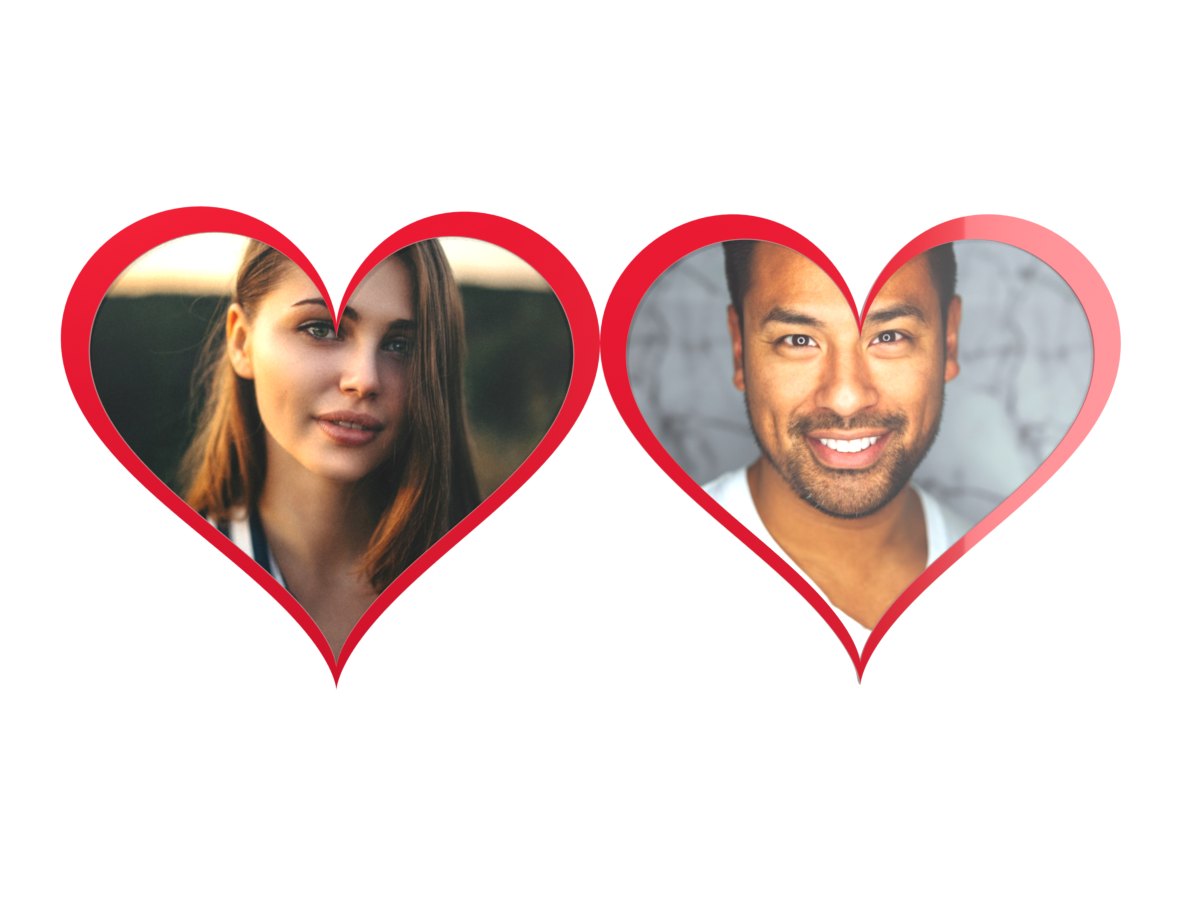
This page is a hub for custom photo GIFs. You bring a photo. We put it on a real 3D scene and give you back a looping GIF. The heart locket opens to show two pictures or names. The waving flag carries your image across a cloth that ripples in the wind. The sailboat carries your photo on its sail and reflects it in the sea.

Every pixel is rendered in Blender. That means light, shadow, and reflection behave like they do in the real world. Metal reflects a studio. Water reflects the boat and your photo. Cloth folds soften the image where the flag bends. We do not draw these effects by hand. Blender computes them.

Making a GIF takes about 1.4 seconds. The first time you use a template at a given size, the service bakes it. That build takes about 35 seconds once, then every later GIF is fast. A bake stores what each pixel sees of your photo. After that it is just fast math on your image.

All templates run on the same pipeline. You upload a photo, the server composites it into the baked light data, and returns a GIF. No account needed. Files are stored under /files/gif/ and served directly.

Sailboat GIF with photo on the sail and reflection in water
The sailboat template: your photo on the sail, mirrored in the sea with a rippled reflection.

How to use this GIF maker

Pick a card above. Each card tells you how many photos you need: one for the flag and sailboat, two for the heart locket. The gallery needs no photo at all.

  1. Choose a template. Heart lockets work best for names, couples, and keepsakes. Flags work for pride, logos, and celebrations. Sailboat works for travel, pets, and soft memories.
  2. Upload your photo. Drag and drop or click to browse. JPG and PNG work best. The tool also reads HEIC and WebP. Keep the subject centred. One photo fills the flag and the sail. Two photos fill the left and right sides of the locket.
  3. Generate and download. Click Generate. The server composites your image in linear light and returns a GIF. Use Download to save it, or Share to get a permanent link if you have the add-on.

Need to use text instead of a photo in the locket? Type a name in the text tab. The service renders it as a centered image before compositing. You can mix: photo on the left, text on the right.

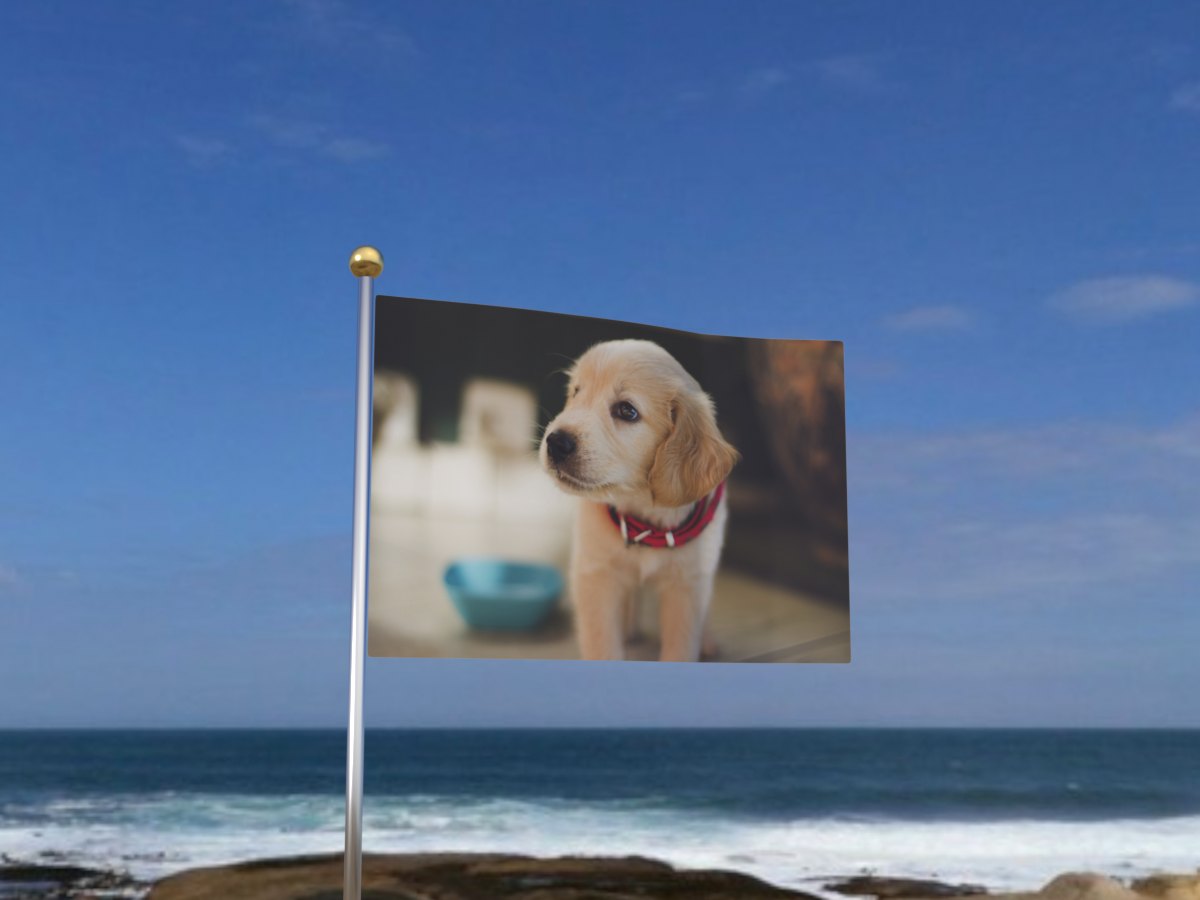
Waving flag GIF carrying a photo
The flag template: two wave modifiers weighted by pole distance, looping seamlessly.

Tips for better results

  • Put the subject in the centre. Photos are cropped to cover the slot. Edge subjects get cut. Crop before you upload if needed, or use the circle cropper first.
  • Use a sharp, well lit photo. The locket window is small. Blur and noise show. Daylight portraits look best. Avoid heavy filters before upload.
  • Remove the background when it distracts. A busy room behind a person can muddy the reflection in the water or the folds in the flag. Use the background remover first, then make the GIF.
  • Keep text short. Locket names with 3 to 8 characters fit best. Two to four words is the sweet spot. Long lines shrink and feel cramped.
  • Pick the right metal for the mood. Red lacquer is glossy and romantic. Gold is warm and engraved. Silver is cool with hammer dents. All three use the same open-close motion: hold closed, open, hold open, close.
  • Test where you will share it. Different apps crop GIFs differently. Preview in WhatsApp or Instagram before you send it to a group.
  • Send one, then try another. The same photo looks very different on a flag versus a sailboat. Make both and pick the one that fits the moment.
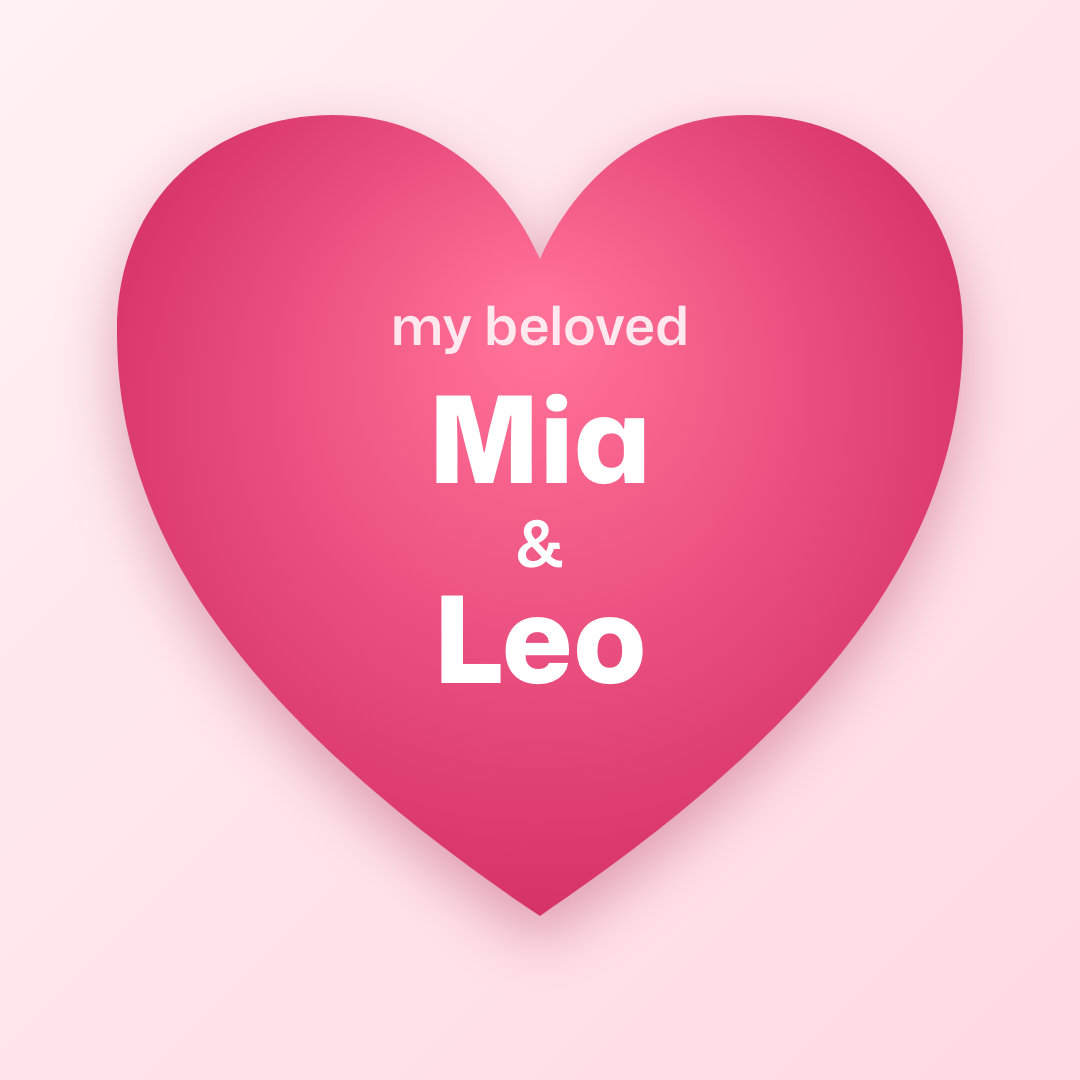
  • Use the right file for the right place. GIFs loop everywhere with no play button. Use the static My Beloved PNG when a platform compresses GIFs too much.
Gold engraved heart locket opening to reveal two photos
Gold locket: the swirl grooves are cut as bump, so the photo ink follows the weave.

Best photos to use

Face photos do best in the locket. Crop to a square centred on the face. Smile with soft light. Avoid sunglasses if you want the eyes to read at small size. Pets work too, but keep the face large in the frame.

Logos and illustrations do best on the flag and sailboat. Thick shapes read well when the cloth folds. Thin text can warp where the flag bends, so use a bold weight. White backgrounds on the logo help the cloth colour stay clean.

Group photos work on the flag if the group is tight. A distant stadium crowd becomes dots when printed on a flag. A tight group of 3 to 6 people in the centre reads much better. The flag is rendered at 3 by 2 metres, swung 28 degrees from the camera so folds show in the silhouette.

For the sailboat, pick a photo with a clear centre. The sail uses direct UV mapping and replication in the water is via a UV pass, so rippled reflections come free. Busy backgrounds still add a little noise in the reflection, which is actually nice. It feels like real water.

Silver hammered heart locket GIF
Silver locket: Voronoi dimples scatter the studio light, so highlights break up.

Why use a photo GIF

A photo GIF feels more personal than a sticker. It is your image inside a scene that moves. People pause to watch it loop. Static images blend in. A loop with reflection or cloth motion holds the eye for a second longer.

GIFs also need no player. They autoplay in WhatsApp, iMessage, Telegram, Instagram DMs, and most browsers. Video needs a tap and sometimes a loading bar. A GIF is visible the instant it arrives.

Files are small. Our GIFs are a few hundred kilobytes to about a megabyte. They fit within the limits most apps set. They load fast even on slow connections. One render gives you a file you can send many times.

Blender makes the difference. A hand drawn flag wave looks flat. A simulated cloth with two travelling waves, a pole finial, and a sky panorama that also lights the scene looks like a real flag. That realism is what people notice, even if they cannot name it.

All processing happens on the server. Uploaded images are used only to render your GIF and are not shared.