Remove the background from any photo
Cut out people, pets and products in seconds. Free, no sign-up.
or drop a file, or paste an image
No photo? Try one
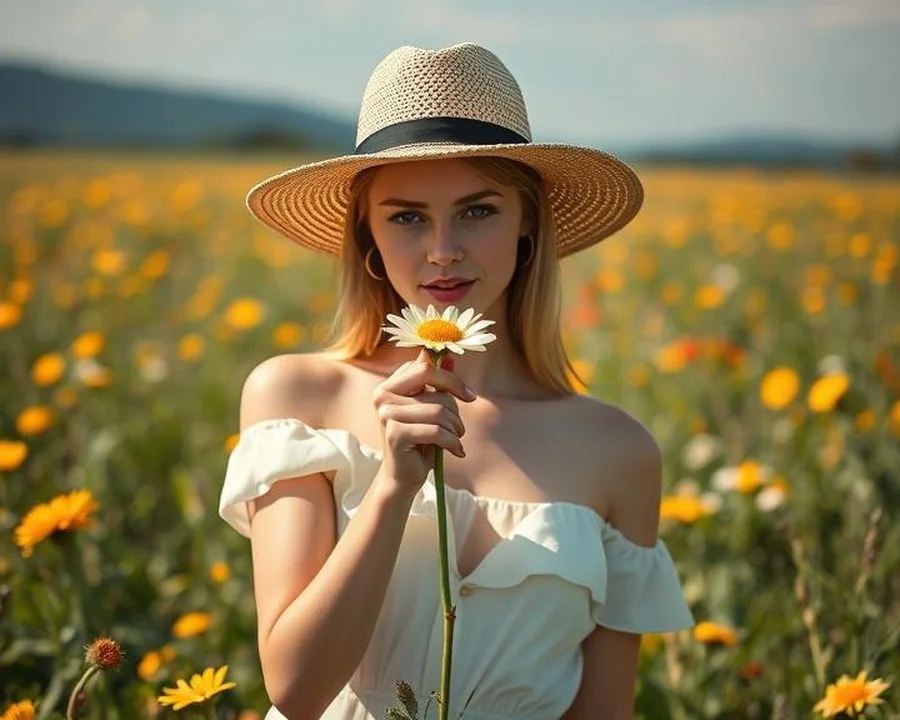
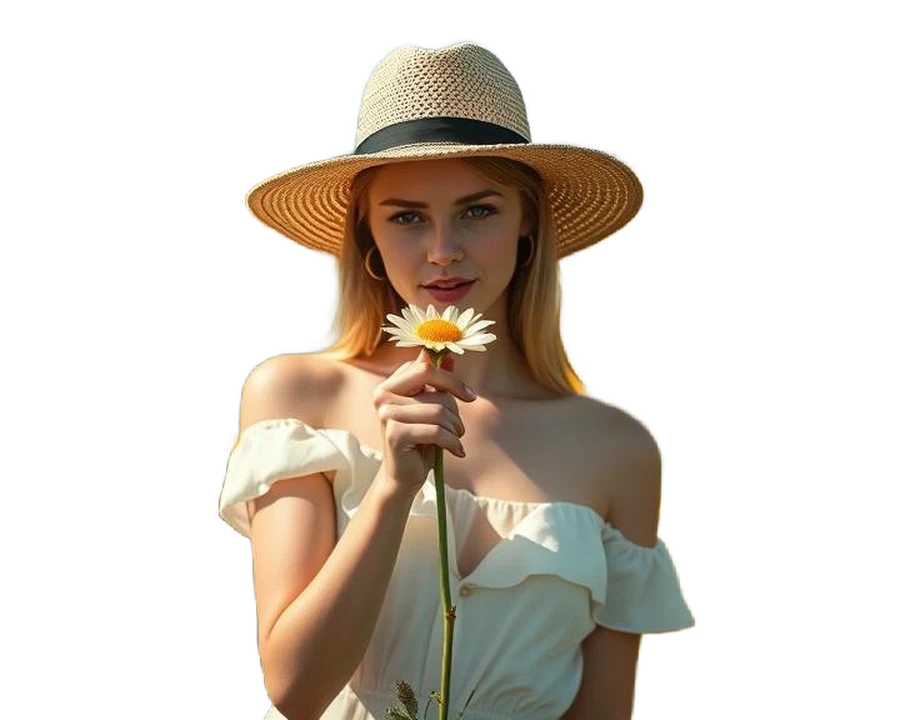
Put your photo in a 3D scene
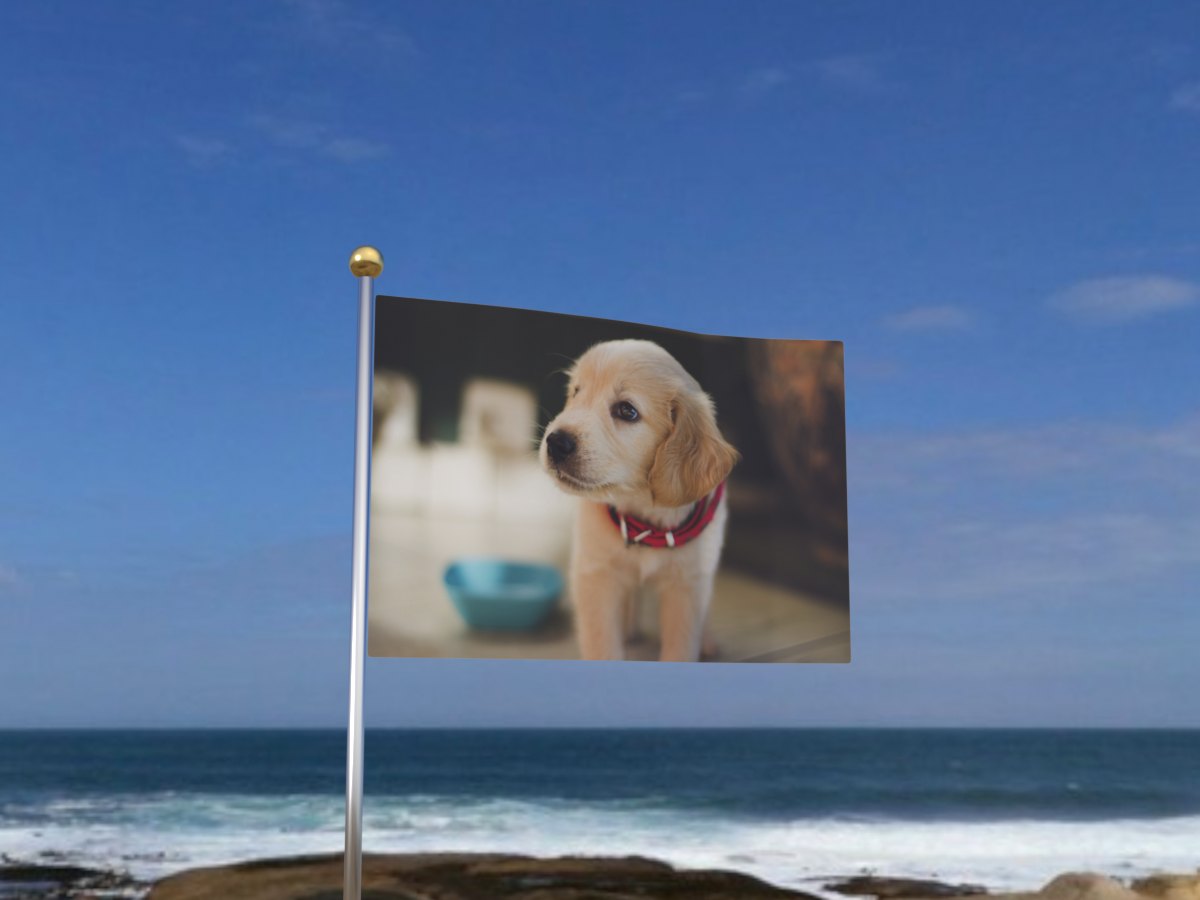
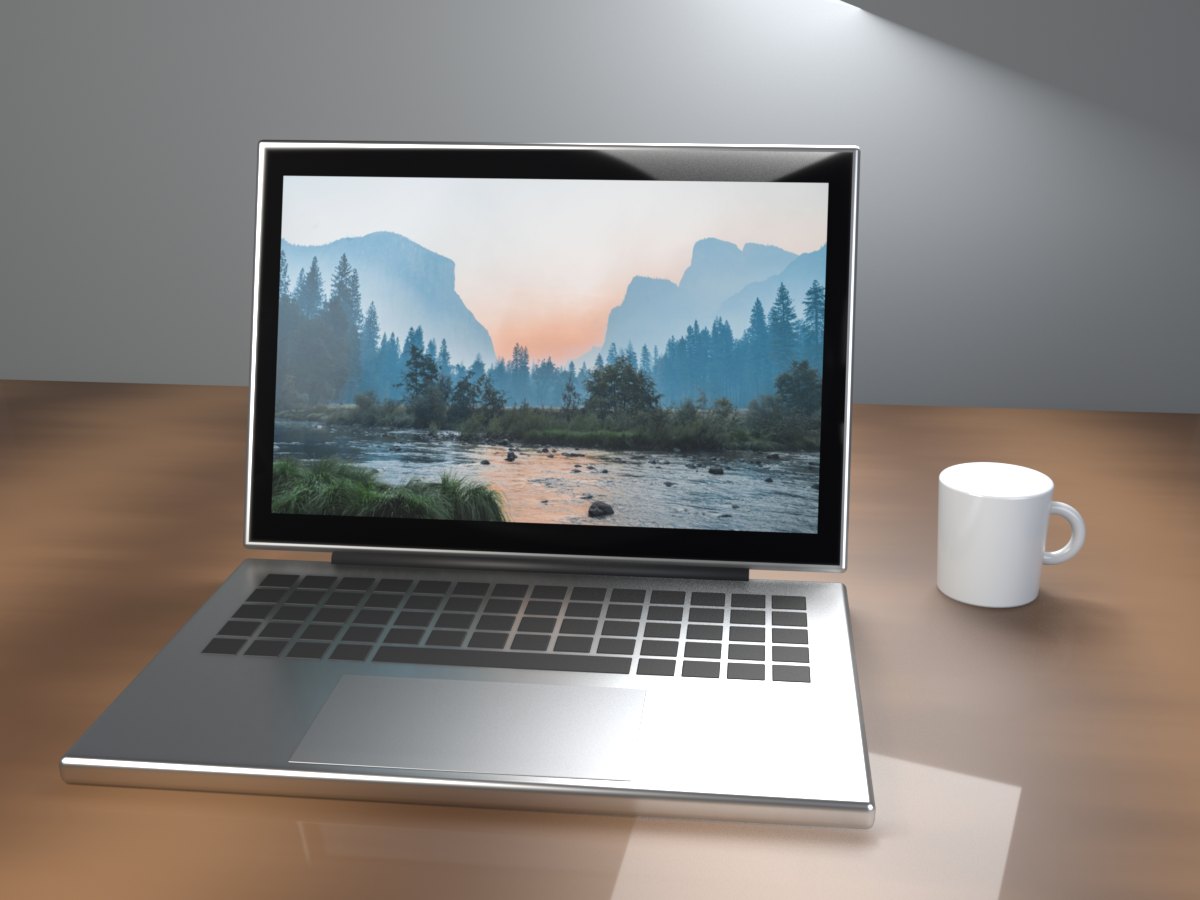
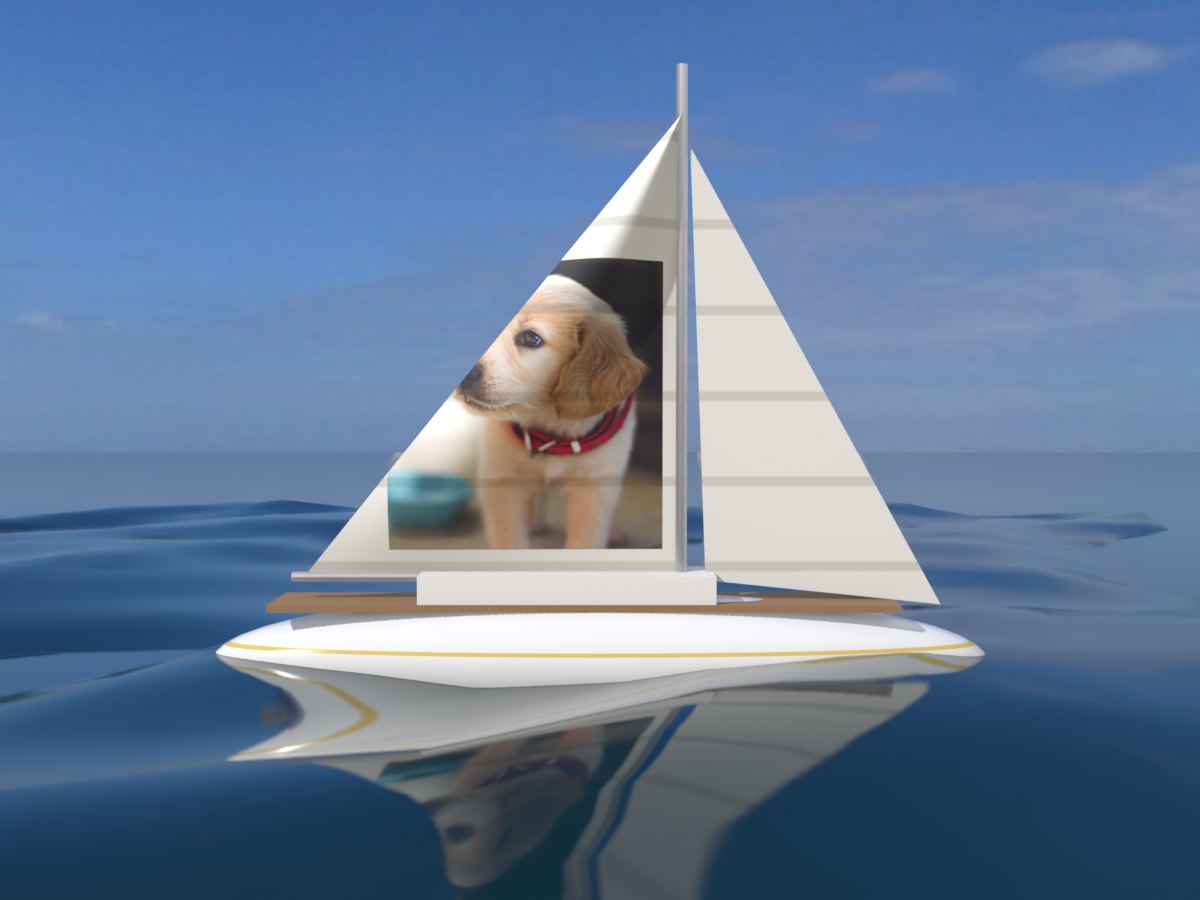
Add a photo, or just type a name. It lands on a waving flag, a laptop screen or a sail, as a GIF you can send to anyone.
Make a 3D GIF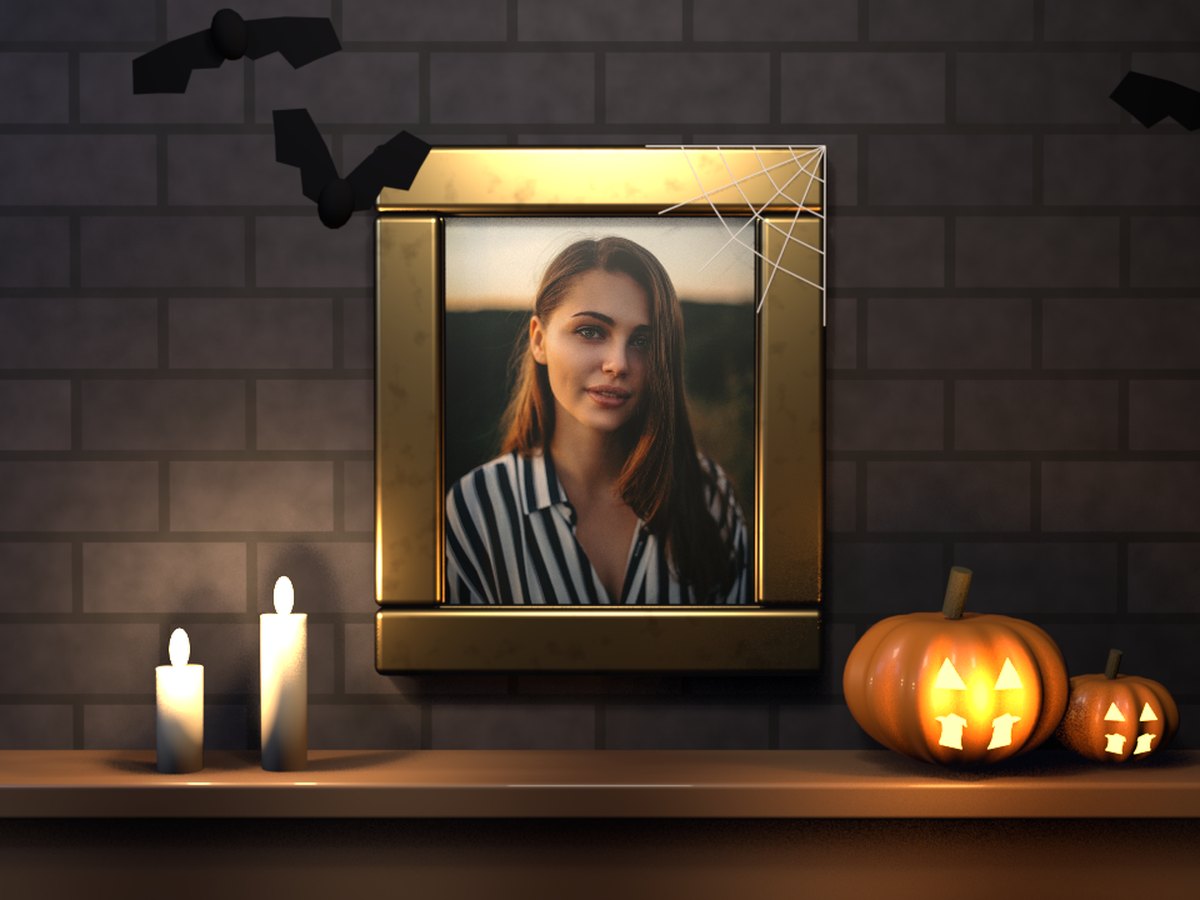
Then put it anywhere
Your cut-out is ready for a shop, a profile or a chat.
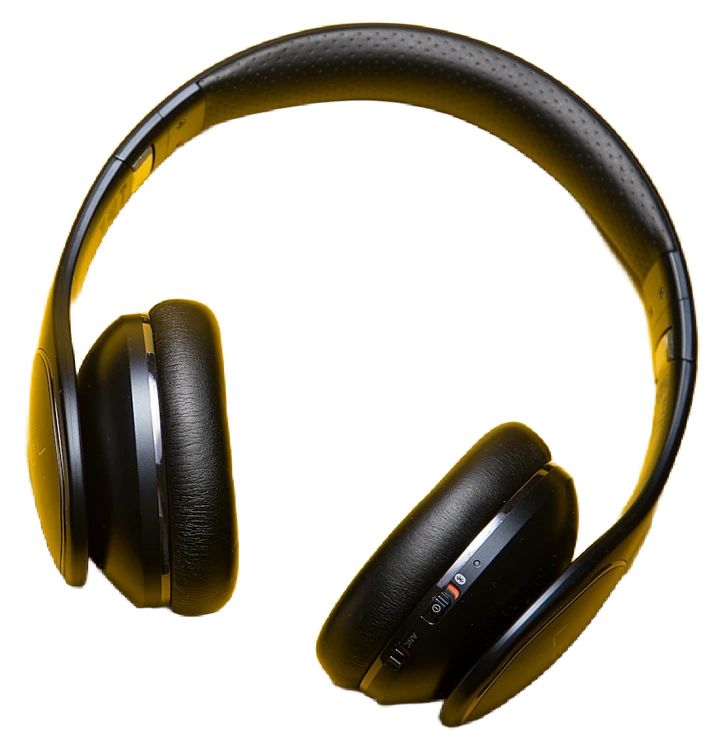 Wireless headphones$89.00
Shop listings
Products on clean white
- Daniel ReyesPhotographerFollow

Profile pictures
A background that stands out
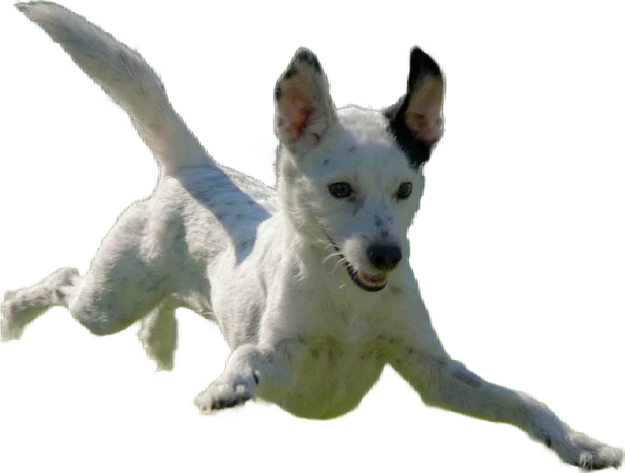
Pet photos
Studio shots, no studio
- Who's coming tonight?
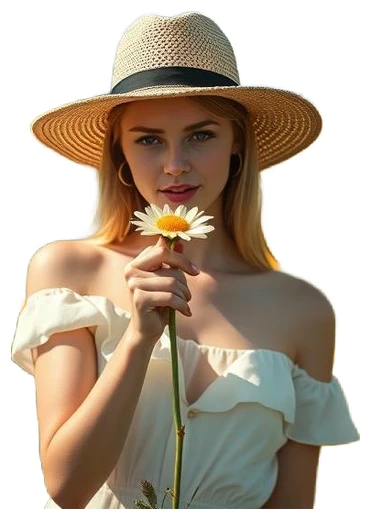 Seen
SeenStickers
Send yourself in any chat
Erase BG Pro
Full resolution for your cut-outs and GIFs.
- Full-resolution cut-outs, up to 4000 px (4K)
- HD GIFs without a watermark
- Save any GIF as a video
- A share link for every GIF
- A background removal API, 1,000 images a month
Questions people ask
Is Erase BG free?
Yes. You can remove backgrounds and make GIFs without paying or signing up. Free cut-outs download at up to 800 px with no watermark. There is a small daily limit, and a free account raises it.
What does Pro add?
Full-resolution cut-outs up to 4000 px, which is 4K, HD GIFs at 960 × 720 px without a watermark, any GIF saved as a video, and a share link for every GIF. Pay monthly or yearly and cancel anytime.
How good is the background removal?
Good on everyday photos: one person, a pet or a product that stands out from what is behind it. It can fail on group photos, busy scenes and blurry, dark or low-quality photos, where edges may come out rough or parts of the subject may be missed. Try one of your own photos first; the preview is free.
What photos can I use?
JPG, PNG or WebP files up to 10 MB. People, pets, products and cars all work, as long as there is one clear main subject.
Can I put my cut-out on a new background?
Yes. Download it as a see-through PNG to use anywhere, or pick a colour in the editor before you download. The GIF maker can also put it into a 3D scene.
What happens to my photo?
It is sent to our servers to cut out the background or make your GIF, and used only for that. We never share it, sell it or show it to anyone.
Try it on your own photo
Free, no sign-up.