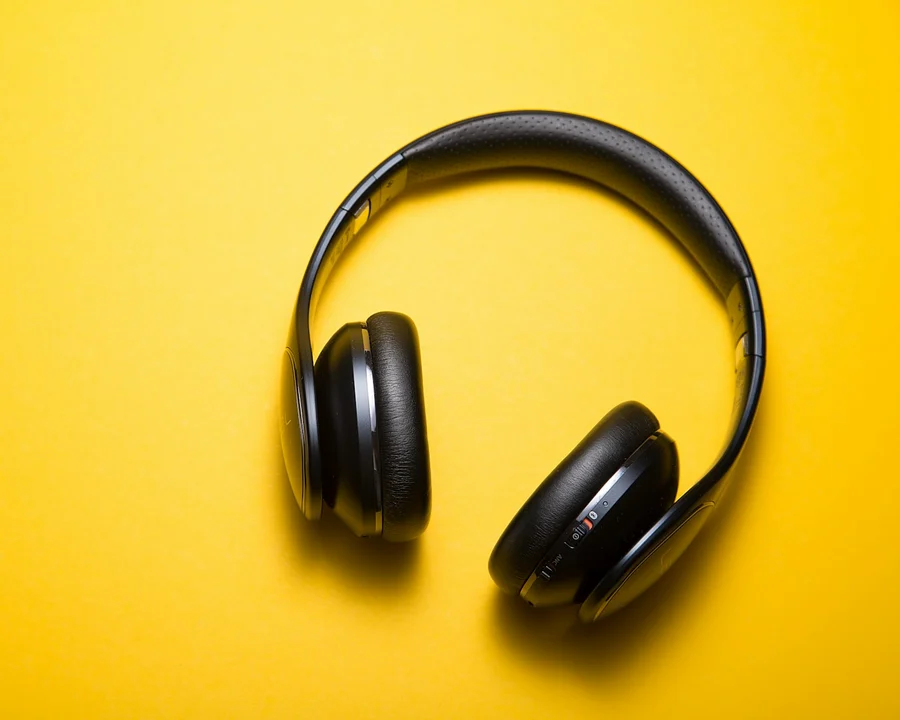
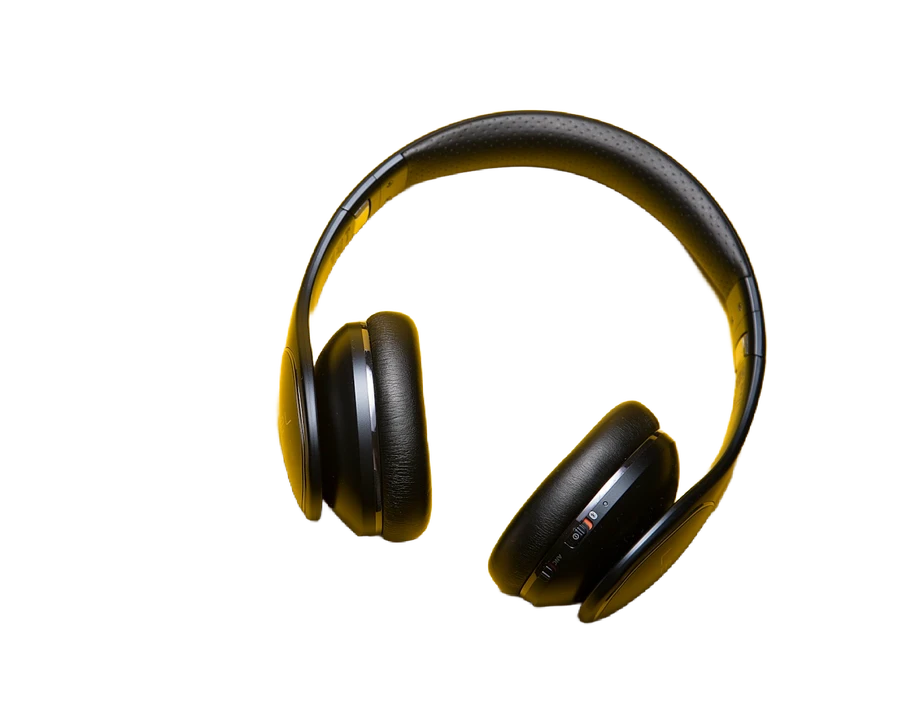

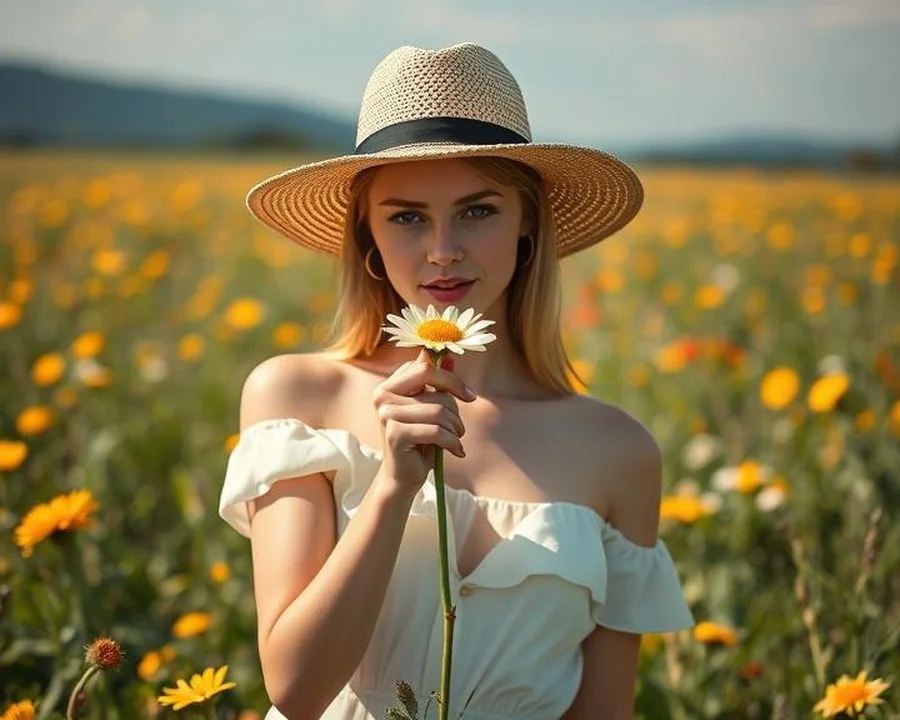
Upload your base photo
Portrait or silhouette works best
Choose fileUpload your overlay photo
Landscape, texture, or pattern
Choose fileExample result

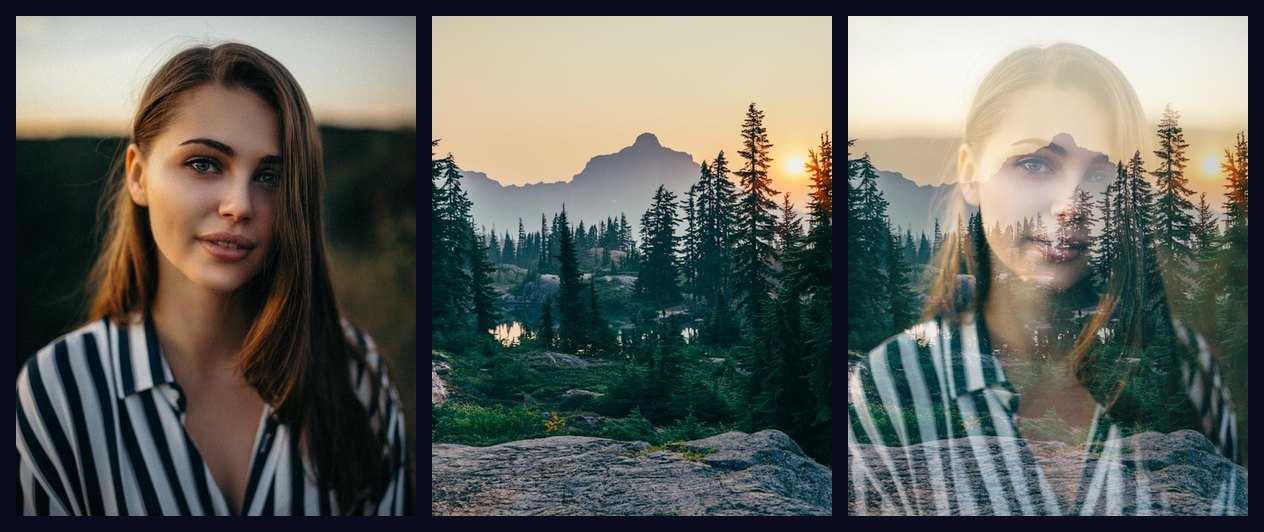
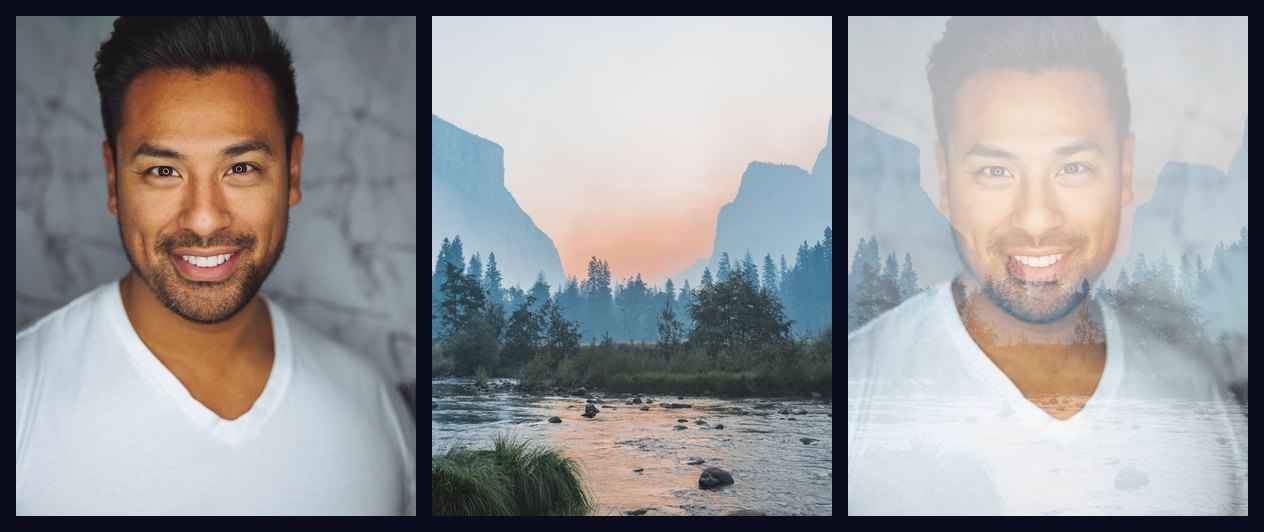
Base

Overlay
Result
Upload two photos and blend them into an artistic double exposure.
Advertisement
Double exposure is a photography technique where two separate images are combined into a single frame. It started as an accident in film photography. If you forgot to advance the film between shots, the new photo would expose on top of the previous one. Photographers soon realized this mistake could produce beautiful, dreamlike results and started doing it on purpose.
In the film era, creating a double exposure meant shooting one frame, then winding the film back to the exact same frame and shooting again. It required careful planning because you could not see the result until the film was developed. If the exposure was wrong or the composition did not line up, you had to start over. Modern digital tools make the process much easier. You can combine two images instantly and adjust the blend until it looks exactly how you want.
The most common approach uses a person or object as the base image and a second image like a landscape, sky, or texture as the overlay. The base image keeps its shape while the overlay fills it with color and detail. This creates the illusion that the landscape exists inside the silhouette. The effect is popular in album covers, movie posters, and social media profile pictures. It gives ordinary photos an artistic look without needing expensive software or professional editing skills.
Our tool lets you create this effect in your browser with no downloads and no signups. You control the blend mode, opacity, scale, and position of the overlay. Every adjustment updates the preview in real time. When you are satisfied, you can download the result as a high-quality PNG image.

A portrait with a clear subject works best as the base image.

Landscapes and nature scenes make great overlay images.
Creating your own double exposure takes only a few steps. Here is how to get the best result from the start.
You can swap either photo at any time by clicking the Base or Overlay button at the top of the tool. The preview updates immediately so you can compare different combinations side by side.

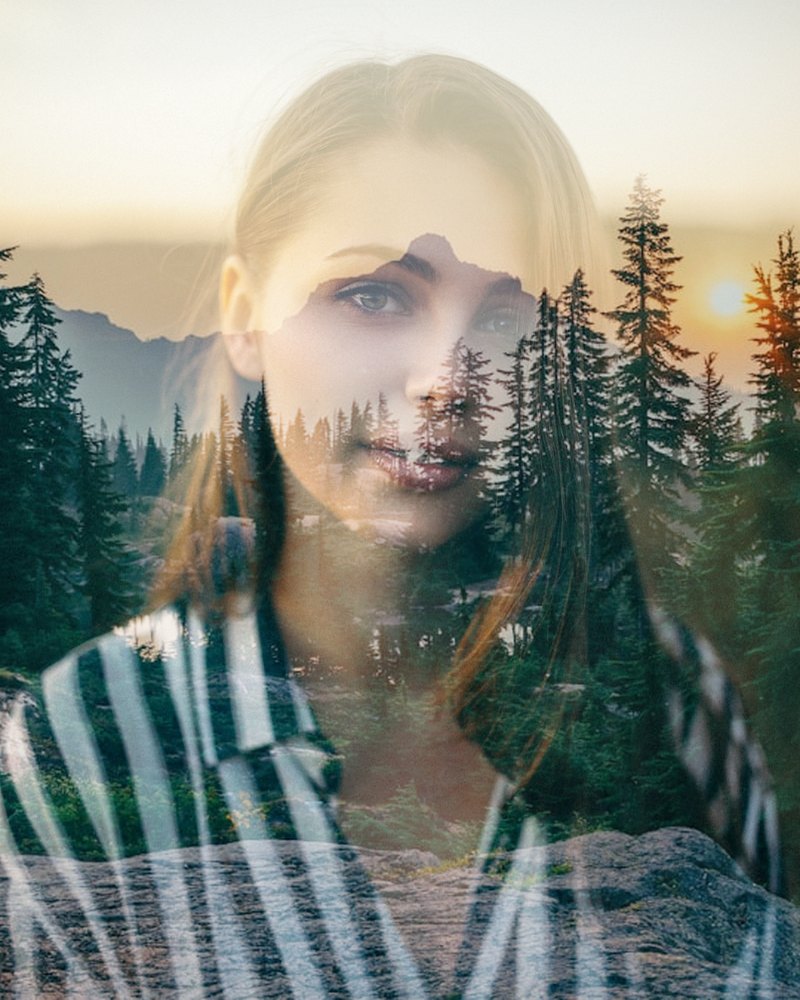
A forest or nature scene layered over a silhouette creates a dramatic double exposure effect.
Not every photo pair creates a good double exposure. The base image should have a distinct subject with clear edges. Portraits are the most popular choice because the human silhouette is instantly recognizable. Full body shots also work well, especially if the person is standing against a plain wall or a bright sky. Objects with interesting shapes like trees, buildings, and animals can also serve as the base.
The overlay should have visual variety. A photo that is mostly one color or one tone will not add much texture to the final result. Look for images with bright highlights, dark shadows, and mid tones. Sunsets, forests, city skylines, clouds, and water reflections all have the range of tones that make double exposures look rich and dimensional.
Textures also work well as overlays. Grunge textures, paper textures, paint splatters, and fabric patterns can give your double exposure a unique look. Try combining a clean portrait with a rough texture for an edgy, artistic feel.

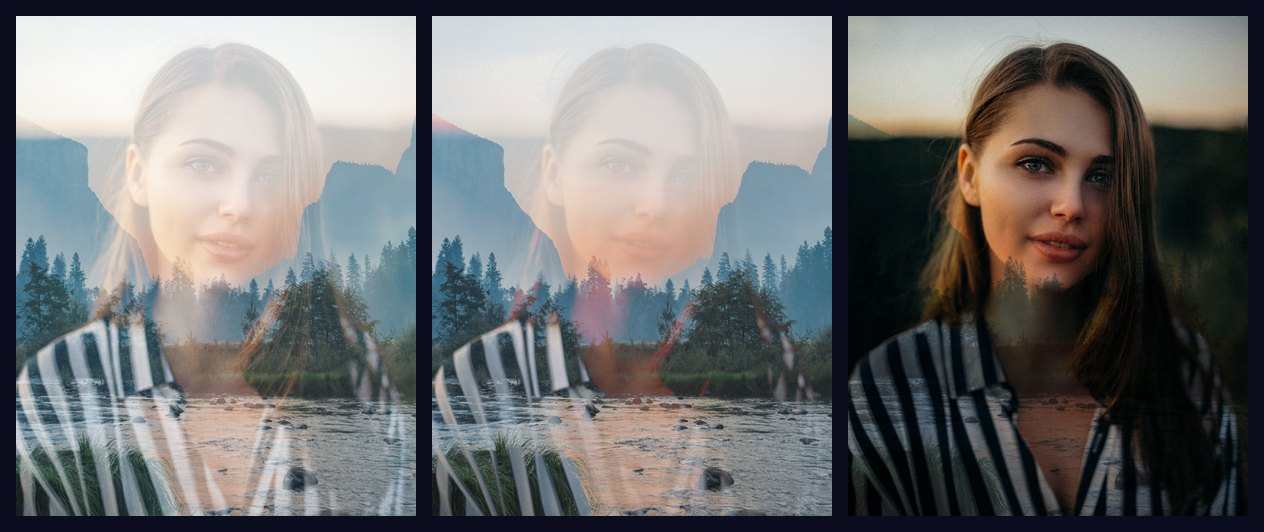
Different blend modes create different interactions between the base and overlay images.
The blend mode determines how the overlay image interacts with the base image at the pixel level. Screen mode adds the pixel values of both images together, which makes everything brighter. Dark areas become more transparent and bright areas remain visible. This is why Screen is the default choice for double exposure. It allows the shape of the base to show through while the details of the overlay fill the brighter areas.
Multiply mode does the opposite. It multiplies the pixel values, which makes everything darker. Bright areas become transparent and dark areas remain visible. Use Multiply when your overlay is dark and you want to add texture or shadows. Overlay mode combines both effects. It screens the bright pixels and multiplies the dark pixels for a high contrast result that works well with textured overlays.
Do not be afraid to try unusual blend modes like Difference or Exclusion. These modes invert colors based on the difference between the two images. The results can be unpredictable, but sometimes they produce stunning, unexpected effects that you would not get with standard modes. The best way to learn is to upload two photos and cycle through all the blend modes to see which one looks best for your specific pair of images.

Double exposure is popular in photography, album art, and social media content.
Double exposure adds depth and meaning to an image that a single photo cannot achieve on its own. A portrait with a cityscape inside it says something about where the person lives or works. A silhouette filled with a forest suggests a connection to nature. Wedding photographers use double exposures to blend the couple with the venue or the bouquet. Musicians use them for album art that represents the mood of the music visually.
Social media profiles with double exposure photos stand out because they look intentional and creative. Unlike a standard filter or preset, a double exposure is unique to the two photos you choose. No one else will have the exact same combination. It is a simple way to make your content look more polished without spending hours in editing software.
Businesses also use double exposure in branding and advertising. A brand that wants to convey growth might blend a tree silhouette with a city skyline. A travel company might blend a suitcase with a tropical beach. The technique communicates two ideas in one image, which makes it efficient for posters, banners, and social media ads.
Artists use double exposure to create surreal portraits that look like they belong in a gallery. By layering a face with a decaying building or a cracked surface, they convey themes of time, memory, and decay. The technique is also popular in the music industry for album covers and promotional materials. It delivers a professional, high concept look without requiring a big production budget.
If you are just getting started, try combining a simple portrait with a nature scene. It is the easiest combination to pull off and almost always looks good. As you get more comfortable, experiment with different blend modes and overlay positions to create something truly original. The tool gives you full creative control without the learning curve of professional editing software.
All processing happens inside your browser. Your photos never leave your computer. Nothing is uploaded to any server and no files are stored after you close the page.