What is the gold heart locket GIF?
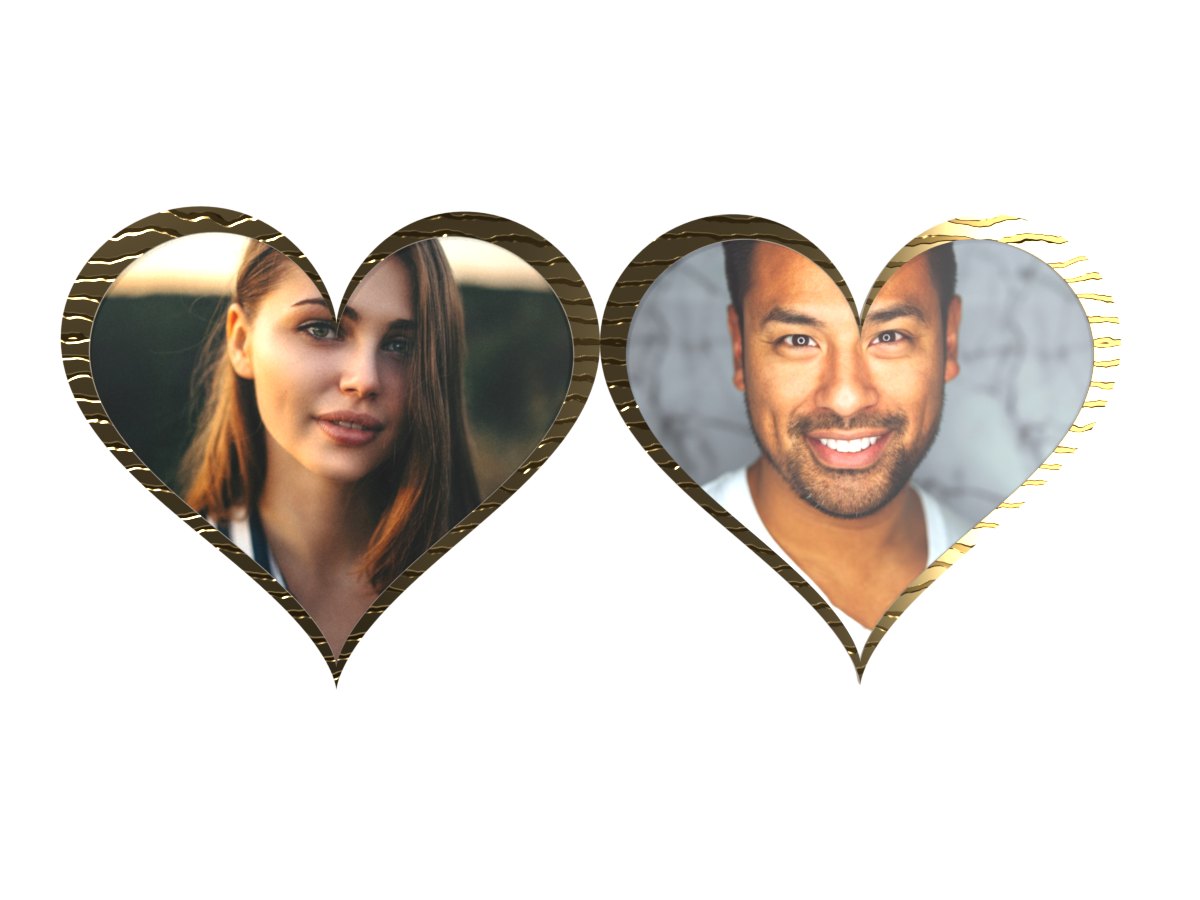
It is a heart-shaped locket that opens to show two photos or two names, one on each side. It stays closed for a moment, swings open, holds so the photos can be seen, then closes again. The GIF loops, so it keeps opening for as long as someone looks at it.
The locket is a real 3D object with studio lighting, so the finish shines and reflects the light as it turns. This one is warm and classic. The gold locket is polished and engraved with swirls, like a family keepsake. It suits parents and grandparents, weddings and memorials.
How to make a locket GIF
- Pick the left side. Add a photo, or switch to Text and type a name.
- Pick the right side. Do the same for the second person. You can mix a photo and a name.
- Make the GIF. Your locket is ready in a few seconds.
- Download or share. Save the GIF for free, or get a permanent link with Public Sharing.
Tips for a beautiful locket
- Use close-up faces. The heart windows are small. A face that fills the photo stays recognisable.
- Centre the face. Each photo is cropped from the middle into a heart shape, so the corners are trimmed.
- Match the photos. Two photos with similar light and framing look like a real pair.
- Keep names short. Names of 3 to 8 letters sit nicely inside a heart.
- Try the other finishes. red, silver or emerald. The same photos can feel very different.
When to send a locket
Couples. Your face and theirs, side by side. It is the most popular way to use the locket.
Family. A parent and child, grandparents, or a family then and now.
Memories. A locket is a traditional way to keep someone close. Many people use it to remember someone they miss.
Friends and pets. Best friends, or you and your dog, work just as well.