What is the circuit board GIF maker?
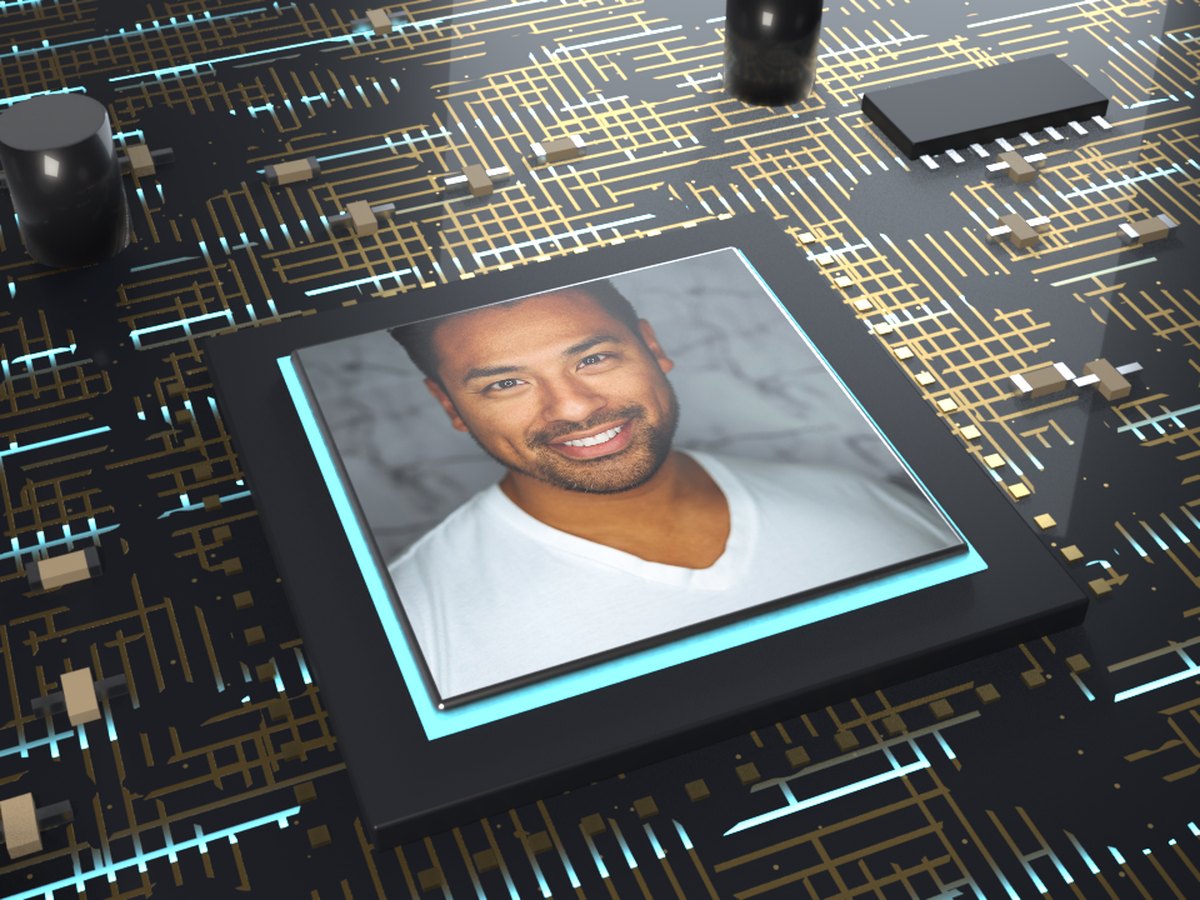
It prints your photo on the lid of a computer chip sitting on a black circuit board. Gold traces run across the board in straight lines and right-angle turns, and pulses of cyan light race along them toward the chip. A thin ring of light glows around the lid, as if your photo is what the board is powering.
The scene is a 3D model with real parts around the chip: capacitors, small chips with metal legs and tiny resistors. The camera drifts slowly over the board with a shallow focus, so the chip stays sharp and the edges of the board soften. The loop has no start or end, so it plays on and on without a jump.
How to make a circuit board GIF
- Add your photo. A face, a logo or a product shot.
- Make the GIF. It is ready in a few seconds.
- Send it. Download it, or share it from your phone.
Tips for a sharp chip
- Crop to a square. The lid is square, so a square photo keeps everything you chose.
- Keep it simple. One face or one logo reads better than a busy scene on a small lid.
- Dark or blue photos fit the mood. They sit well with the black board and the cyan light.
- Give logos some room. A margin around a logo stops it touching the glowing edge.
- Want a device instead? The phone and the laptop show your photo on a screen.
When to use it
Tech launches. A new app, a new feature or a new release. Put the logo on the chip.
Developers and gamers. A profile picture on a chip makes a fun avatar or banner loop.
Team news. Welcome a new engineer, or thank the person who fixed the build.
Just for fun. Put your cat in charge of the computer.