What is the phone GIF maker?
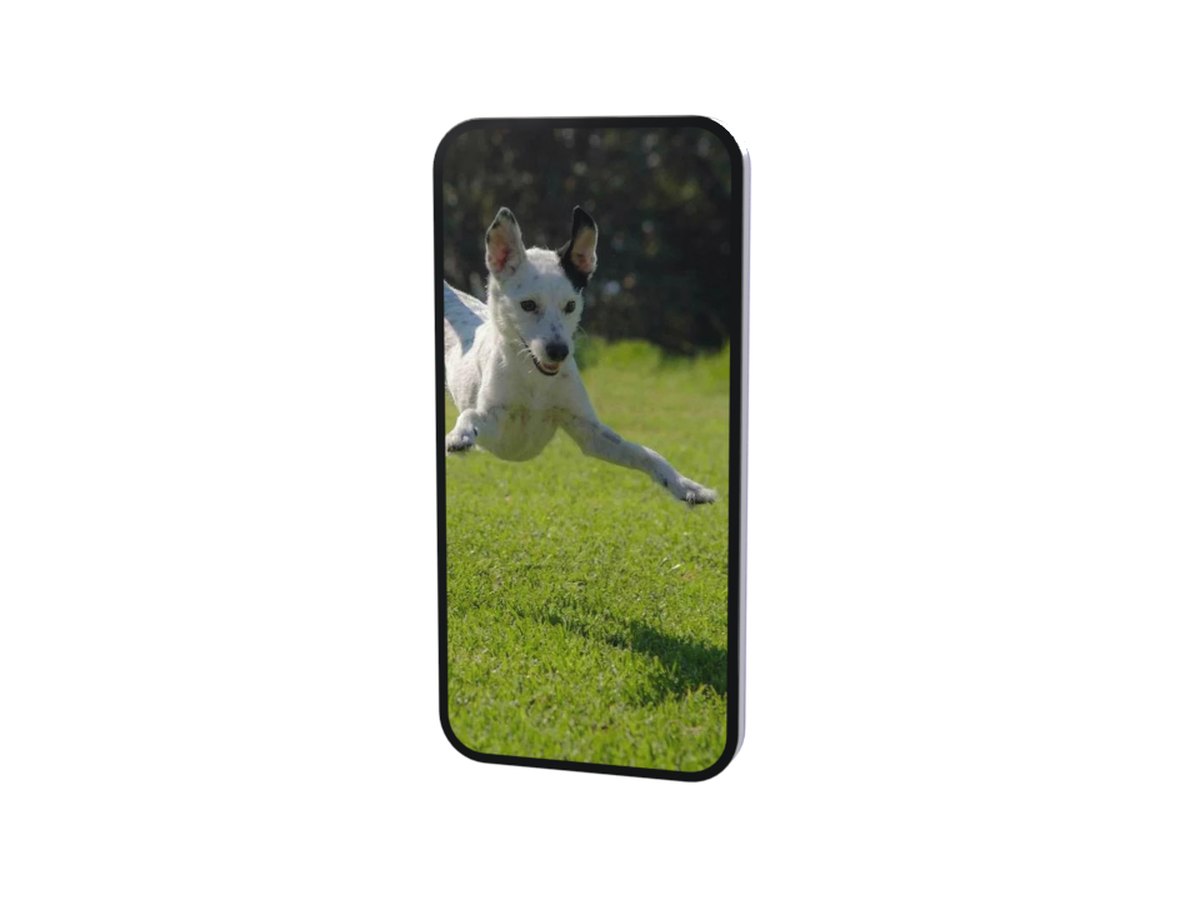
It makes a short animation of a smartphone. The phone starts with its back to you, turns round, and its screen wakes up showing your photo. It holds there for a moment so the screen can be seen, then turns away and the loop starts again.
The phone is a 3D model with a glass back, a camera bump and a metal band. The screen glows like a real display instead of looking like a flat picture, and it runs right to the rounded corners, so a screenshot looks like it is really on the phone.
How to make a phone GIF
- Add your screen image. A screenshot, a wallpaper or a photo.
- Make the GIF. It is ready in a few seconds.
- Send it. Download it, or share it straight from your phone.
Tips for a clear screen
- Use a tall image. The screen is tall and narrow. A wide photo loses its sides.
- Screenshots fit best. A screenshot from any modern phone is already the right shape.
- Big and bold reads best. The phone is small in the GIF, so large text and strong colours stay readable.
- Keep key details in the middle. The top and bottom of a long photo can be trimmed.
- Need a wider screen? The laptop takes landscape screenshots.
When to use it
App launches. Show your app on a phone in one looping clip for a post or a launch page.
New wallpapers. Show off a wallpaper or a lock screen you designed.
Reveals. A photo that appears as the phone turns round is a small surprise for a friend.