What is the laptop GIF maker?
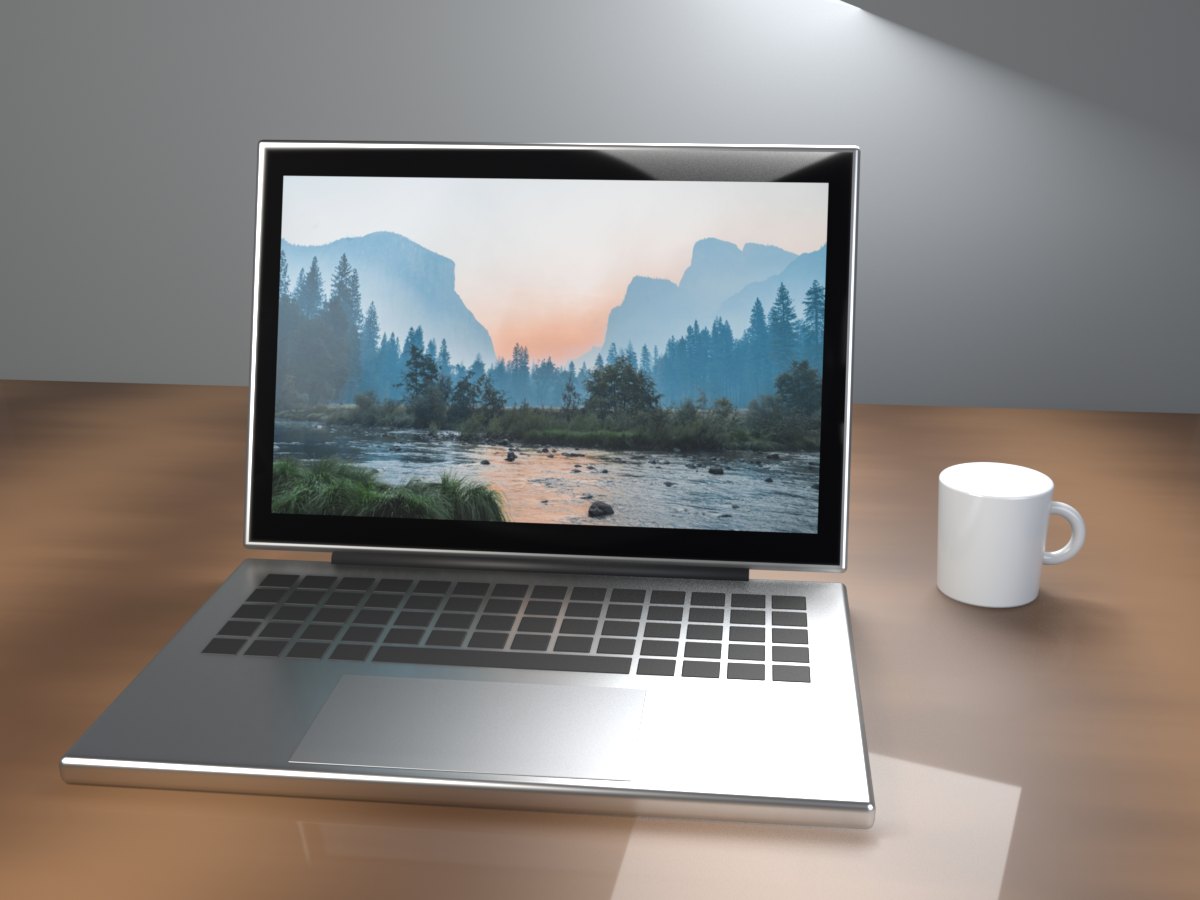
It makes a short animation of a laptop on a wooden desk. The lid swings open, the screen wakes up, and your photo or message fills the display. It holds there so people can take it in, then the lid closes and the loop starts again.
The laptop is a 3D model with a metal body, a real keyboard and a glass screen. The screen glows like a real display, so your image shows in its true colours instead of looking like a picture stuck on a laptop.
How to make a laptop GIF
- Choose Photo or Text. Use a photo or screenshot, or switch to Text and type a short line.
- Add your image. Tap the upload box, drag a file in, or paste a screenshot straight from your clipboard. The preview shows the 16:10 crop that goes on the screen.
- Make the GIF. It is ready in a few seconds.
- Download or share. Save it, or share it from your phone to any app.
Tips for a sharp screen
- Use a landscape image. The screen is 16:10. A wide screenshot or photo fills it without losing the edges.
- Make the main thing big. The screen is a small part of the GIF. Large headings, one product shot or one face read best.
- Paste screenshots directly. Take a screenshot, then press Ctrl+V or Cmd+V on this page. No need to save the file first.
- Keep text short. Two to four words look strongest, like “We are live!” or “Happy launch day”.
- Try it on a billboard too. The same image on the billboard feels like an announcement to the whole street.
What people use laptop GIFs for
Product launches. Show a new website, app or dashboard waking up on a laptop. It is a small, eye-catching post for launch day.
Portfolios. Designers and developers use it to present a project in a feed or an email without recording a video.
Announcements. A new job, a new course, a finished thesis. Put the headline on the screen and let the lid open on it.
Reveals and jokes. Because the screen starts dark, it is perfect for a reveal. The punchline appears as the screen lights up.
Why a GIF and not a screen recording?
A GIF plays by itself everywhere, with no sound and no play button. It is small, it loops, and it looks the same in every app. A screen recording needs a tap, often loads slowly, and never looks as polished as a clean, lit laptop on a desk.