What is the emerald heart locket GIF?
It is a heart-shaped locket that opens to show two photos or two names, one on each side. It stays closed for a moment, swings open, holds so the photos can be seen, then closes again. The GIF loops, so it keeps opening for as long as someone looks at it.
The locket is a real 3D object with studio lighting, so the finish shines and reflects the light as it turns. This one is rich and a little vintage. The emerald locket is deep green enamel under a clear coat, flecked with gold. It suits May birthdays, Saint Patrick’s Day and anyone whose favourite colour is green.
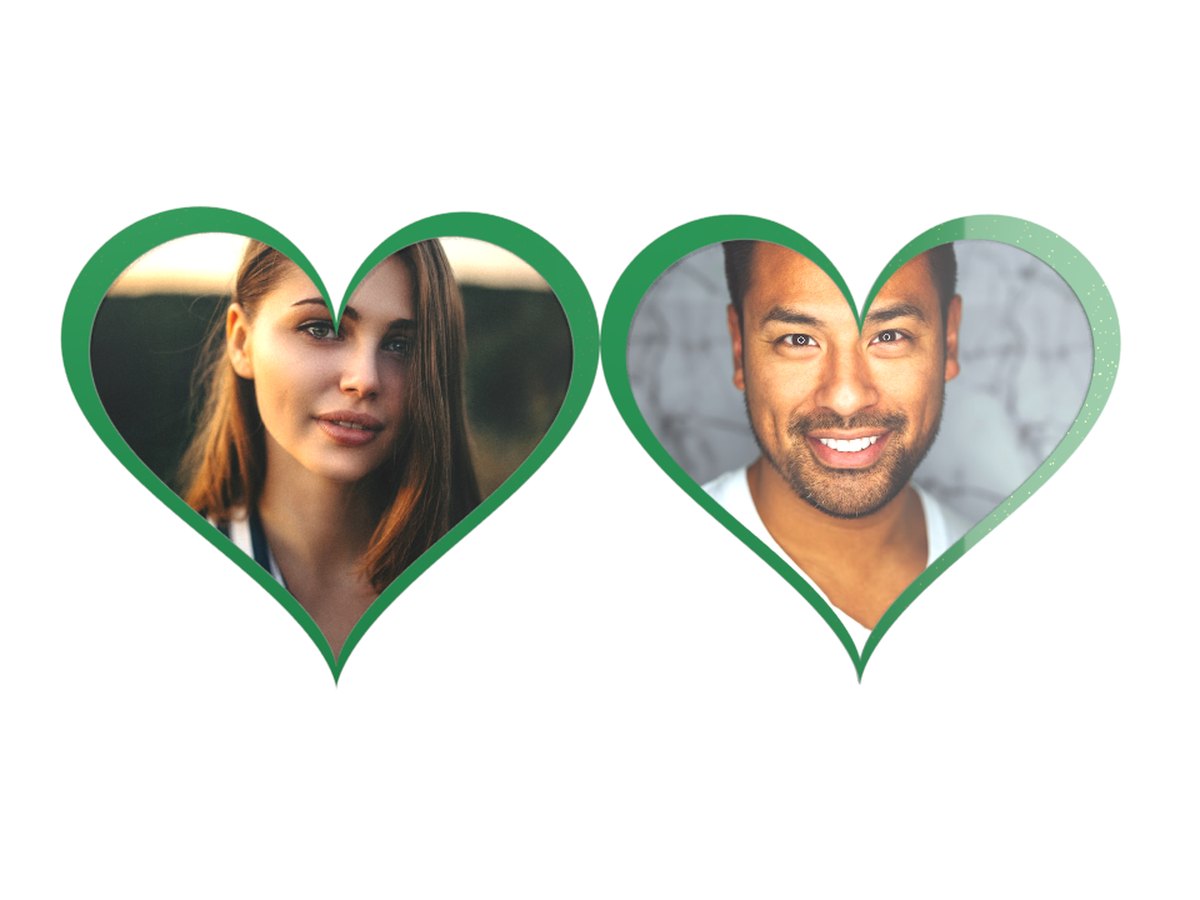
How to make a locket GIF
- Pick the left side. Add a photo, or switch to Text and type a name.
- Pick the right side. Do the same for the second person. You can mix a photo and a name.
- Make the GIF. Your locket is ready in a few seconds.
- Download or share. Save the GIF for free, or get a permanent link with Public Sharing.
Tips for a beautiful locket
- Use close-up faces. The heart windows are small. A face that fills the photo stays recognisable.
- Centre the face. Each photo is cropped from the middle into a heart shape, so the corners are trimmed.
- Match the photos. Two photos with similar light and framing look like a real pair.
- Keep names short. Names of 3 to 8 letters sit nicely inside a heart.
- Try the other finishes. red, gold or silver. The same photos can feel very different.
When to send a locket
Couples. Your face and theirs, side by side. It is the most popular way to use the locket.
Family. A parent and child, grandparents, or a family then and now.
Memories. A locket is a traditional way to keep someone close. Many people use it to remember someone they miss.
Friends and pets. Best friends, or you and your dog, work just as well.