What is the puzzle cube GIF maker?
It puts your photos on a 3x3 puzzle cube and animates it. The cube floats over a soft blue studio backdrop. Three of its layers twist in turn, so your pictures break into squares and end up spread across the wrong faces. Then the same twists run backwards and every photo snaps back into place. The loop starts on the solved cube, so the first thing anyone sees is your photos, whole.
The cube is a real 3D model. Each of its 27 small cubes carries its own slice of your photos, with black plastic between the stickers and studio light on every face. That is why the pieces look right when they move: a nose on the front face really does turn up on the top.
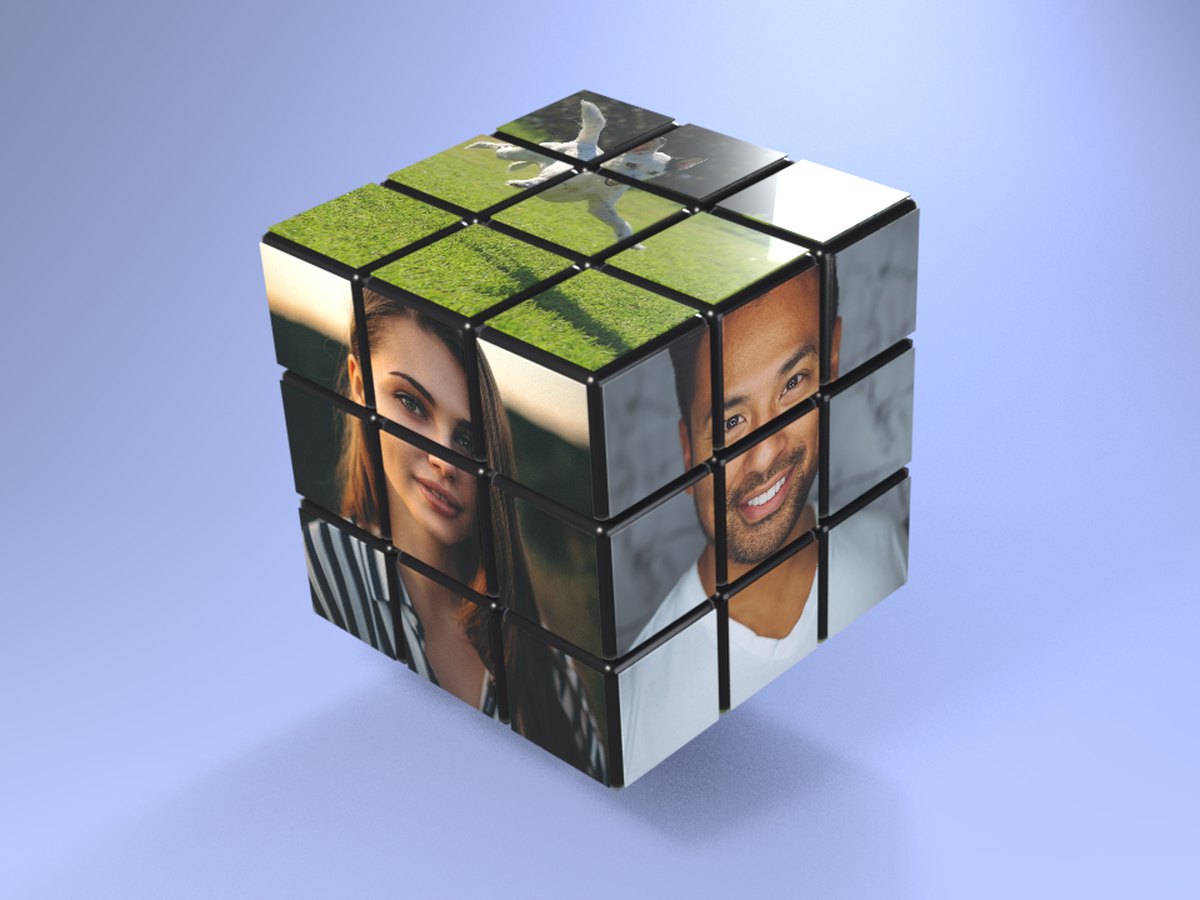
How to make a puzzle cube GIF
- Add a front photo. This is the face that looks at the camera most of the time.
- Add a side and a top photo. Or skip them, and the cube repeats your first photo.
- Make the GIF. It is ready in a few seconds.
- Send it. Download it, or share it straight to a chat from your phone.
Tips for a good cube
- Use square photos. Each face is square. A square crop keeps everything you want in view.
- Fill the frame. The cube is small in the GIF. A face or object that fills the photo still reads when it is split into nine squares.
- Put the best photo first. The front face gets the most screen time, before and after the twists.
- Mix people and things. Three faces of a family, a couple and their dog, or a team logo on top all work well.
- Bold colours help. When the pieces scramble, strong colours make it easy to see where each one went.
- Want something softer? The nesting dolls also take three faces, and just rock side to side.
When to send one
Birthdays. Put the birthday person on every face, or one photo from each decade.
Families and friend groups. Three people, one cube. It turns a group photo into a small game.
Puzzle fans. Anyone who owns a real cube will enjoy seeing it solve itself.
Teams and brands. A logo on top and two product shots on the sides make a playful post.