What is the billboard GIF maker?
It puts your photo on a big roadside billboard by the sea. The camera slowly pushes toward the board, which makes your picture feel like it was put up for the whole world to see. You upload one photo and get a looping GIF in a few seconds.
The billboard is a 3D scene with real sky light, so your photo sits on the board like a printed poster, not a flat sticker. It is a light-hearted way to make something feel like big news.
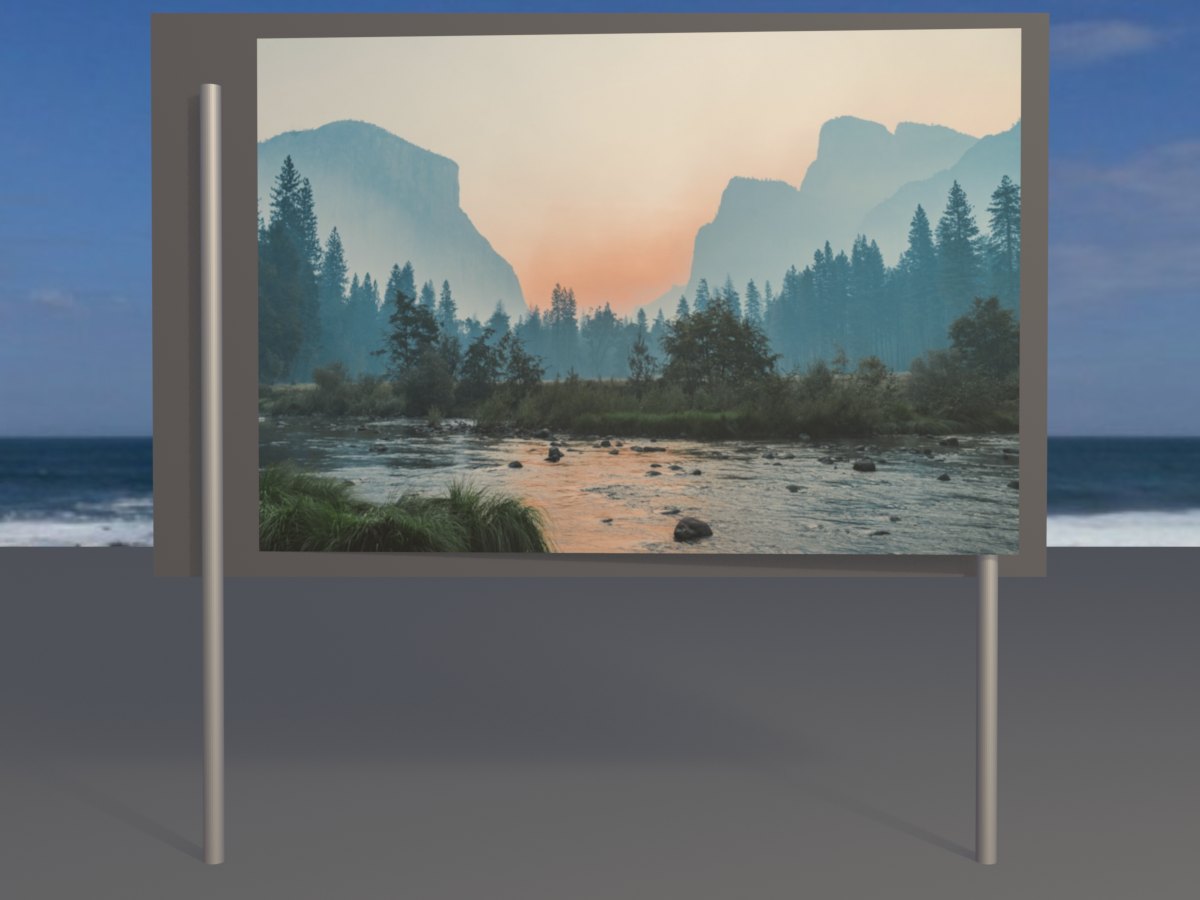
How to make a billboard GIF
- Add a photo. Tap the upload box, drag a photo in, or paste one. The preview shows the wide crop that goes on the board.
- Check the crop. The board is wide. If the crop cuts off a head or a word, use a wider photo.
- Make the GIF. It is ready in a few seconds.
- Share it. Download the GIF or send it straight from your phone.
Tips for a billboard people notice
- Go wide. Landscape photos match the board. Group shots and banners look especially good.
- Think like a poster. One big subject and a few big words beat a detailed photo.
- Use strong contrast. Bright subjects on darker backgrounds, or the other way round, stay readable in the scene’s daylight.
- Make a poster first. Put your text and photo together in any editor, save it as a wide image, then upload it here.
- Try the laptop too. The laptop GIF shows the same image as a personal reveal instead of a public one.
Ideas for billboard GIFs
Congratulations. Put a friend’s face on a billboard after an exam, a new job or a marathon. Public praise, at least in GIF form.
Birthdays. “Happy birthday” in huge letters with their photo is hard to ignore in a group chat.
Launches and sales. Small businesses use it to announce an opening, a new menu or a sale on social media.
Inside jokes. A billboard makes any meme feel official.
Why a GIF works here
The slow camera push is what sells the idea, and a still image cannot show it. A GIF plays by itself in every chat app and on most social sites, so the effect lands the moment someone scrolls past.