What is the flag GIF maker?
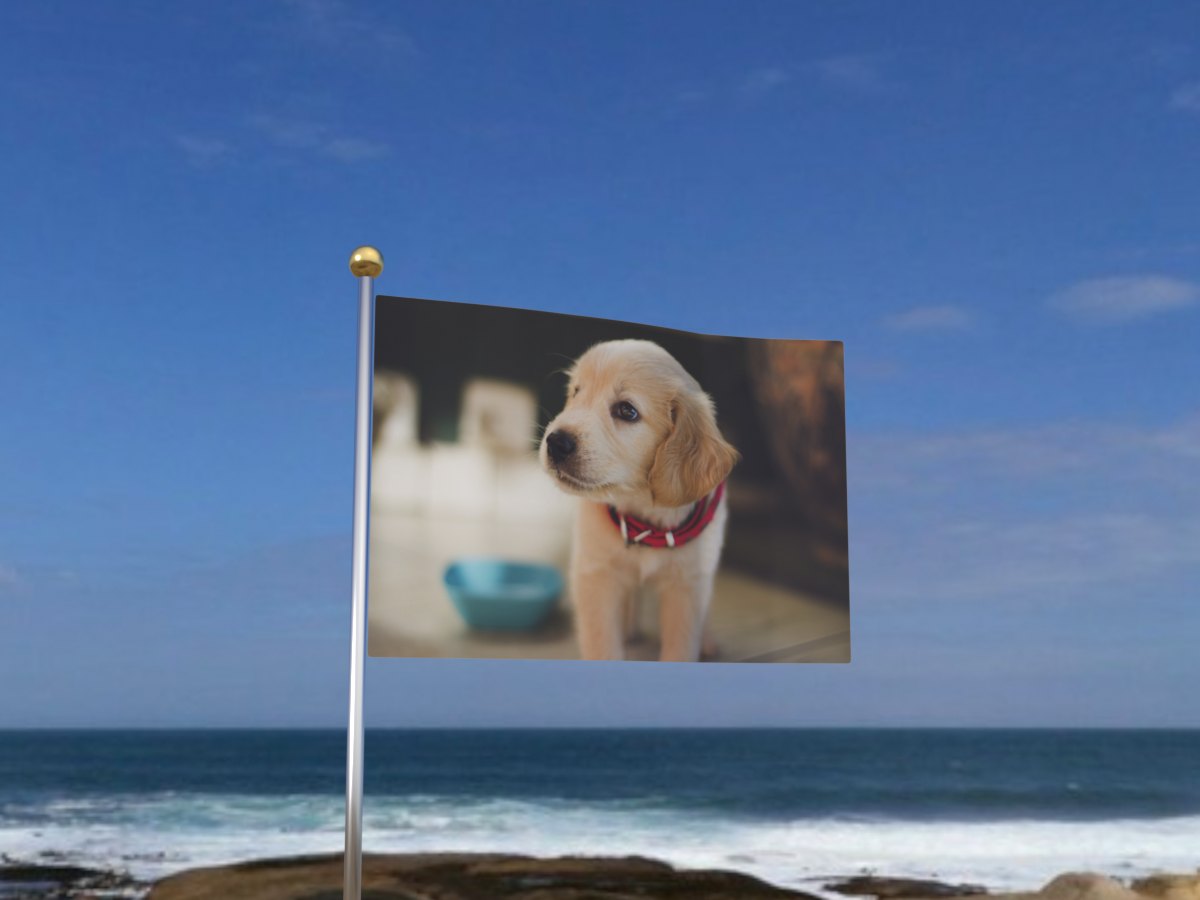
It prints your photo on a flag and makes it wave. You upload one picture, and a few seconds later you get a looping GIF of a flag flying on a pole by the sea, with your picture moving through the folds of the cloth.
The flag is not a flat picture with a ripple filter on top. It is a 3D scene. The cloth has real folds, the sky lights it, and the folds catch light on one side and fall into shadow on the other. When the flag bends, your photo bends with it. That is why the result looks like a printed flag and not like a wobbly image.
People use it for team spirit, national days, club and school pride, birthday jokes, and pet photos that deserve more ceremony than they usually get. The GIF is small enough to send in any chat app and it plays on its own.
How to make a flag GIF
- Add your photo. Click the upload box, drag a photo onto it, or paste one you copied. JPG, PNG, WebP and HEIC from an iPhone all work, up to 16 MB. The preview shows the photo cropped to the flag’s shape, so you can see what will be printed before you start.
- Check the crop. The flag is 3:2. If the preview cuts off something important, pick a wider photo, or crop yours so the subject sits in the middle. You can swap the photo with the Replace button.
- Make the GIF. Press the button. Your flag appears in the preview on the right, usually within a few seconds.
- Download or share. Download saves the GIF to your device. On a phone, Share sends it straight to WhatsApp, Messages or any other app. Make another clears the form so you can try a different photo.
Tips for a flag that looks great
- Use a landscape photo. A wide photo matches the flag, so nothing gets cropped. A tall portrait loses its top and bottom.
- Keep the subject in the middle. The crop is taken from the centre, and the edge nearest the pole moves least, so the centre is always the clearest part.
- Go bold. Big shapes, strong colours and thick lettering survive the folds. Thin text and fine detail get lost when the cloth bends.
- Brighter is better. The cloth shades your photo, so a dark photo gets darker. If your picture is dim, brighten it a little before you upload.
- Clear the background. A cluttered room behind a person competes with the folds. Run the photo through the background remover first for a clean, flag-like look.
- Try a logo on white. Logos on a white background look like a real printed flag, because the white areas take on the cloth’s natural shading.
Best photos to put on a flag
Team and club logos are the classic choice. They are bold, flat and made to be printed on fabric, so they look right straight away. Send one to the group chat before a match.
Faces work well when the face fills a good part of the photo. A tight head and shoulders shot reads clearly even as the cloth moves. A tiny figure in a big landscape does not.
Pets are a favourite. A dog on a flag is funny because the flag takes it completely seriously. Pick a photo where the pet looks at the camera.
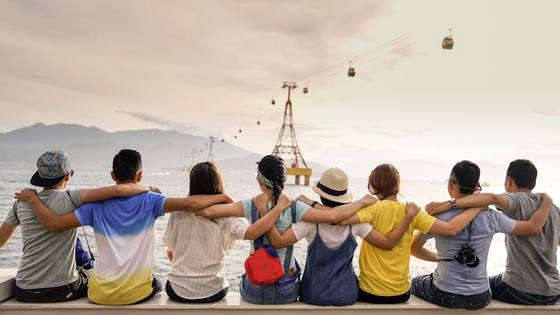
Group photos work if the group stands close together. Five friends shoulder to shoulder fill the flag nicely. A whole stadium turns into dots.
Artwork and memes are fair game too. A drawing, a meme image or a made-up national flag for your friend group all make great flags.
When to send a flag GIF
Match days and tournaments. Wave your team’s colours in the fan chat, or put the star player on a flag after a win.
National holidays. Independence days, national days and festivals are all good moments for a waving flag, with your own photo instead of a stock image.
Birthdays and inside jokes. Declare a friend’s birthday a national holiday and put their face on the flag. It gets a reaction every time.
Launches and announcements. A new logo, a new shop or a new club crest looks proud on a flag. It works as a small celebration post on social media.
Why a GIF and not a video?
A GIF plays by itself the moment it arrives. There is no play button, no sound to mute and no loading bar. In a busy chat that matters, because people see the whole thing without doing anything.
Flag GIFs from this tool are usually a few hundred kilobytes to about a megabyte, well under the limits most apps set. They load quickly on mobile data and keep their colours when forwarded.
The loop is seamless, so it never looks like it restarts. It simply keeps waving, which is exactly what a flag should do.