What a custom GIF is
A GIF is a short animation that loops. It plays on its own as soon as it arrives, with no play button and no sound. A custom GIF uses your own photo or words instead of a clip everyone has already seen.
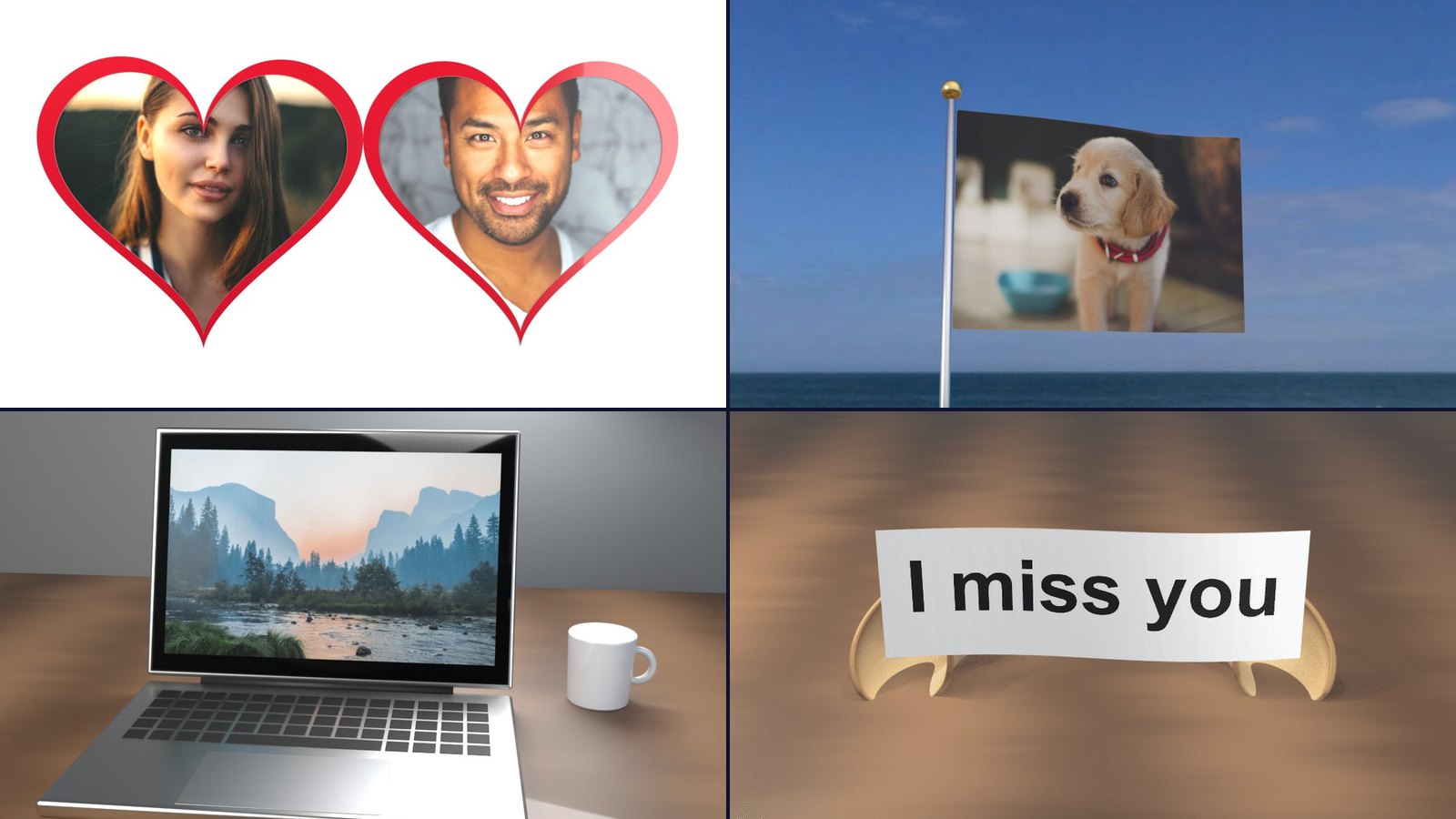
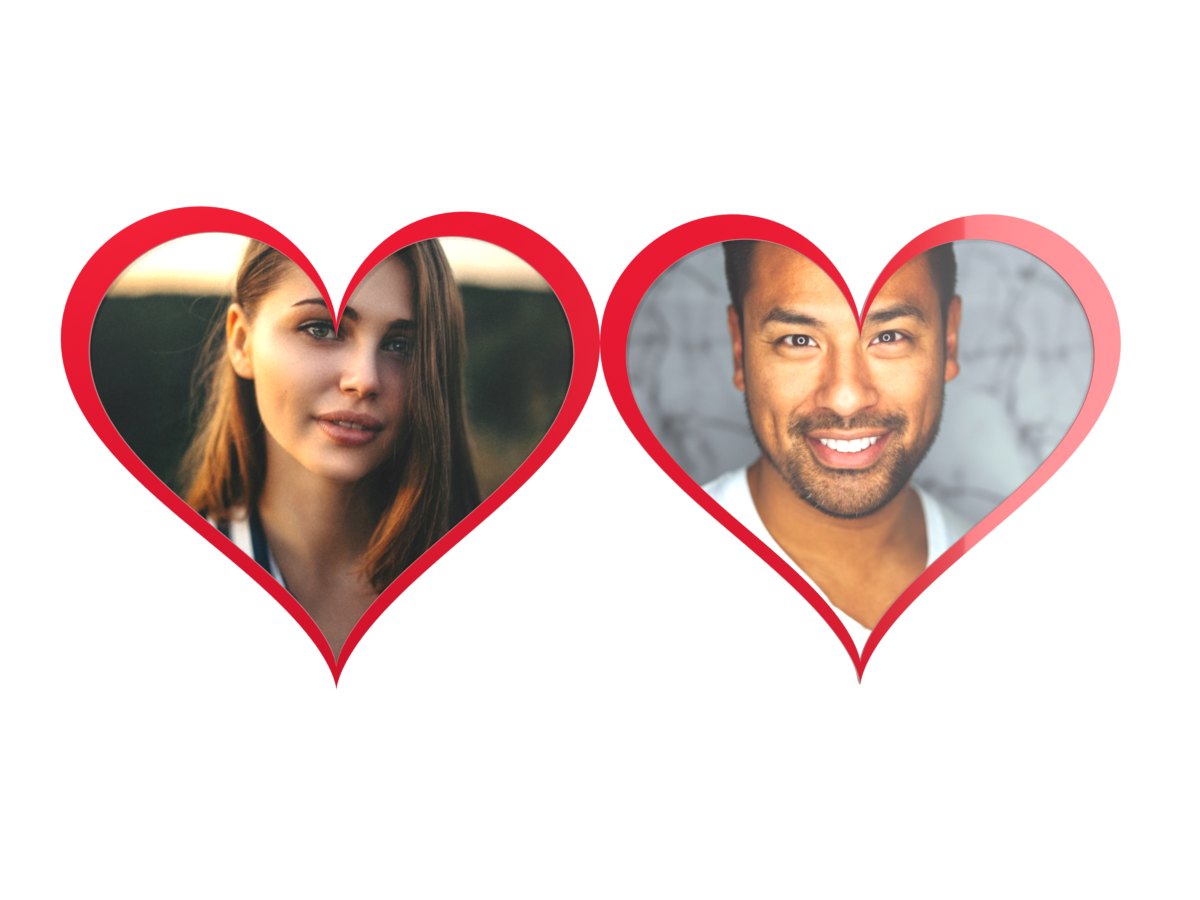
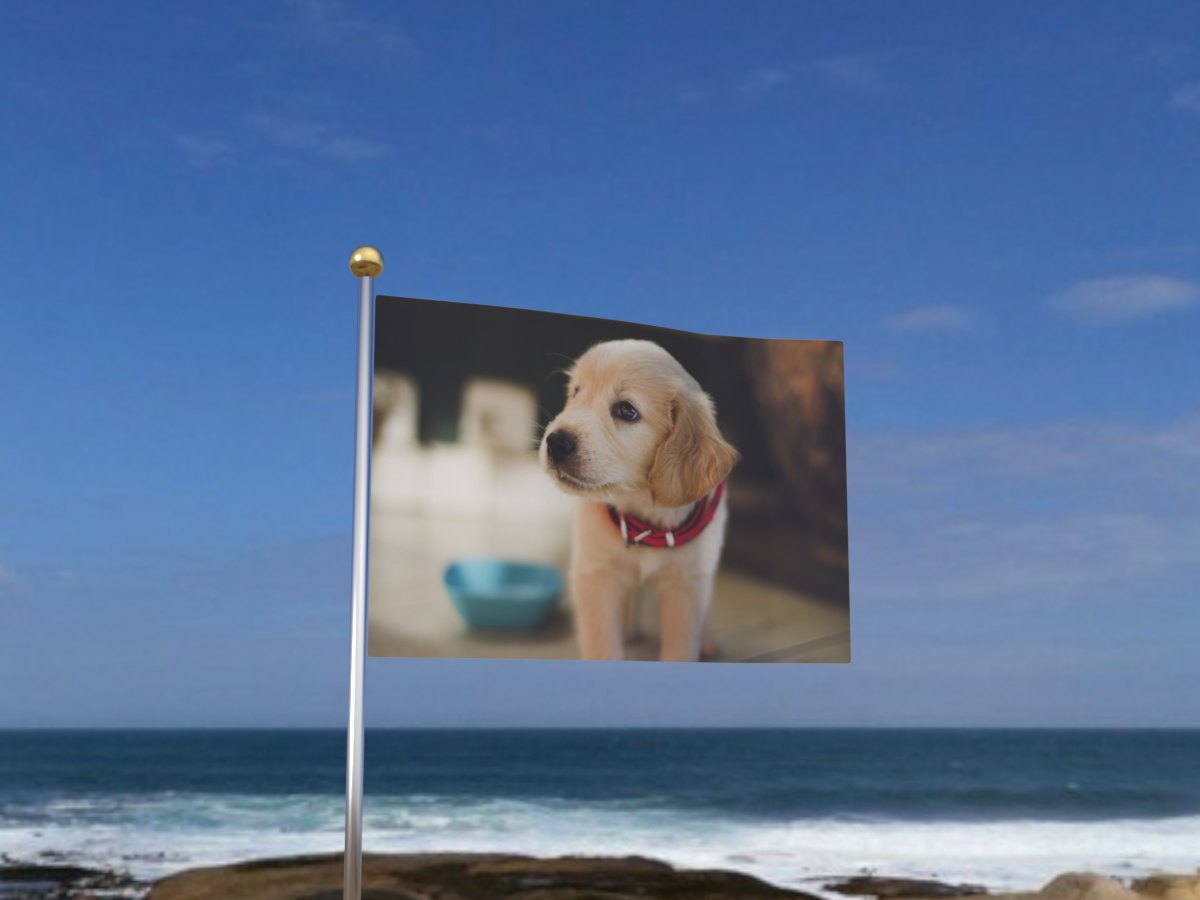
On Erase BG, your photo goes into a small 3D scene: a heart locket that opens, a flag in the wind, a laptop that wakes up. The photo is lit and moved like part of the scene, so it looks made rather than pasted on.
How to make a GIF from a photo
- Pick a scene. Browse every GIF scene. Each one says what it needs: one photo, two photos, or a name.
- Add your photo or text. Choose, drag or paste a picture. The preview shows how it will be cropped.
- Make the GIF. It is ready in a few seconds.
- Download or share. The free GIF is 480 × 360 px with a small erasebg.org mark in the corner. Pro gives you HD at 960 × 720 with no mark.
Which scene for which message
Love and anniversaries. The heart lockets open to show two faces. Red is romantic, gold feels like a keepsake, silver is quieter.
Missing someone. The I miss you GIF is a fortune cookie that cracks open with those words inside.
Celebrations and teams. The waving flag prints a photo or logo on cloth that ripples in the wind.
News and launches. The laptop opens on your screenshot, and the billboard puts it up for the whole street.
Tips for better GIFs
- One clear subject. A single face or product reads better than a group shot in a small scene.
- Match the shape. Wide photos suit the flag, laptop and billboard. Close-up faces suit the lockets.
- Keep text short. Two to four words look strongest. Long sentences get small.
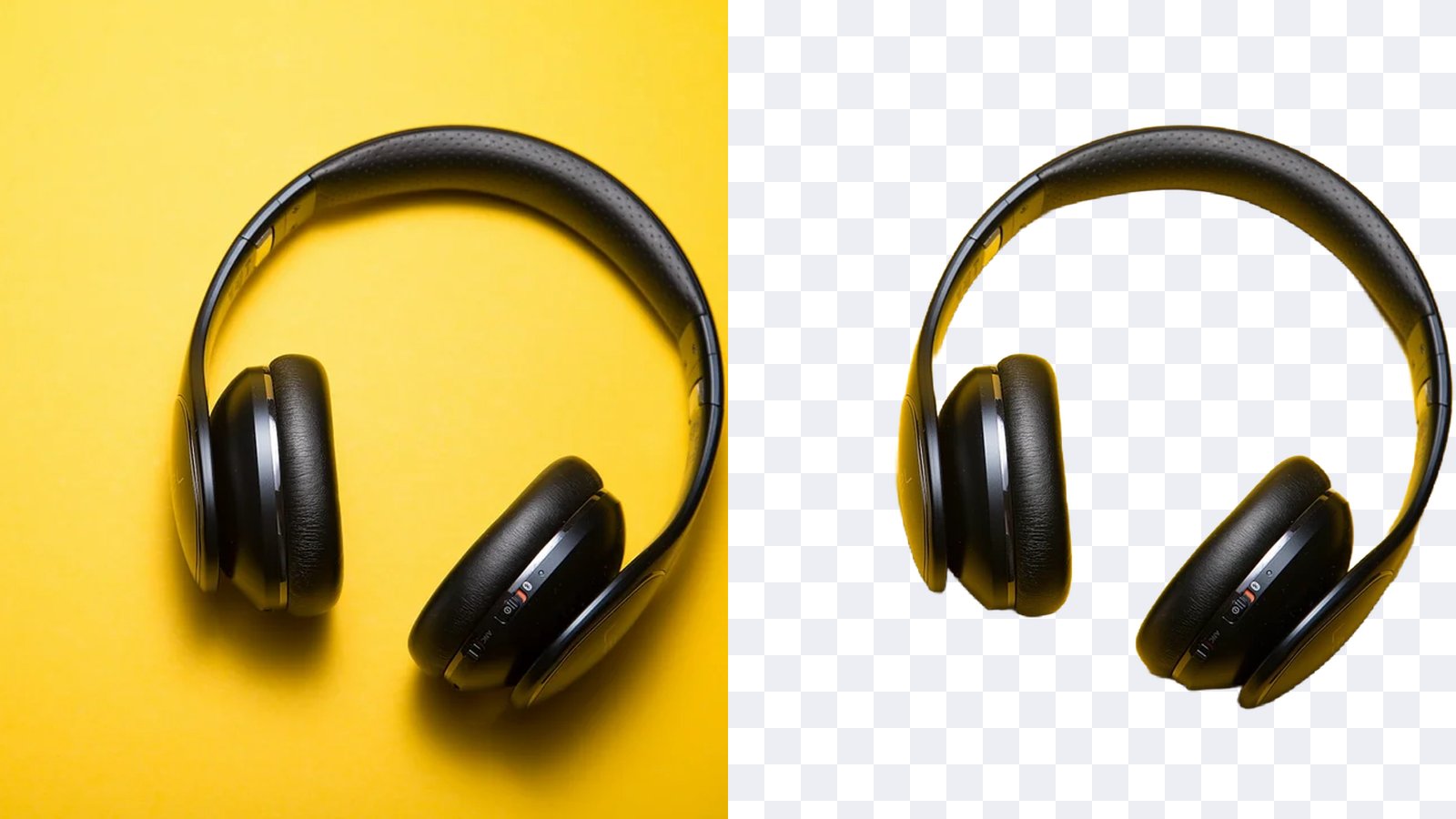
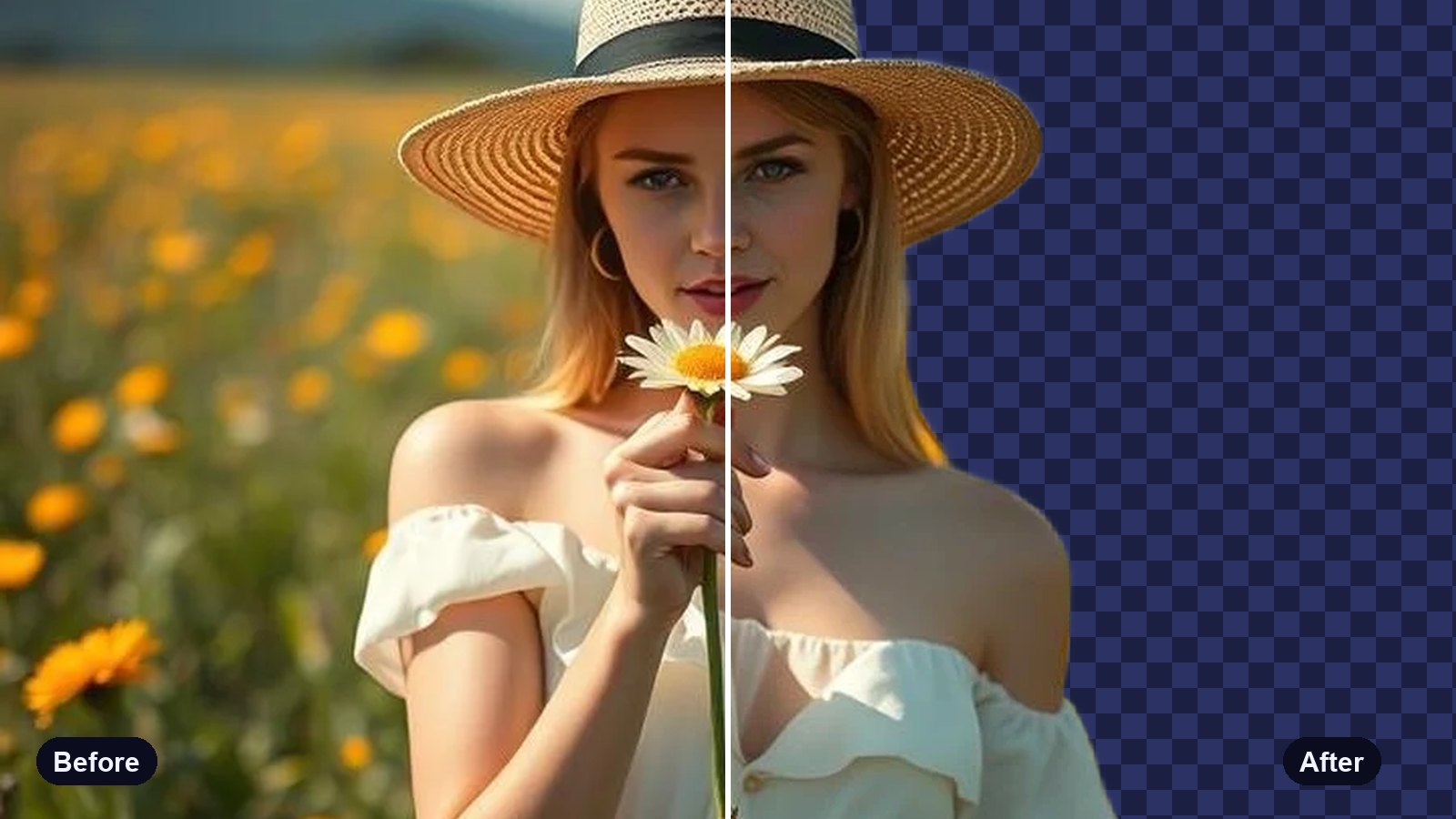
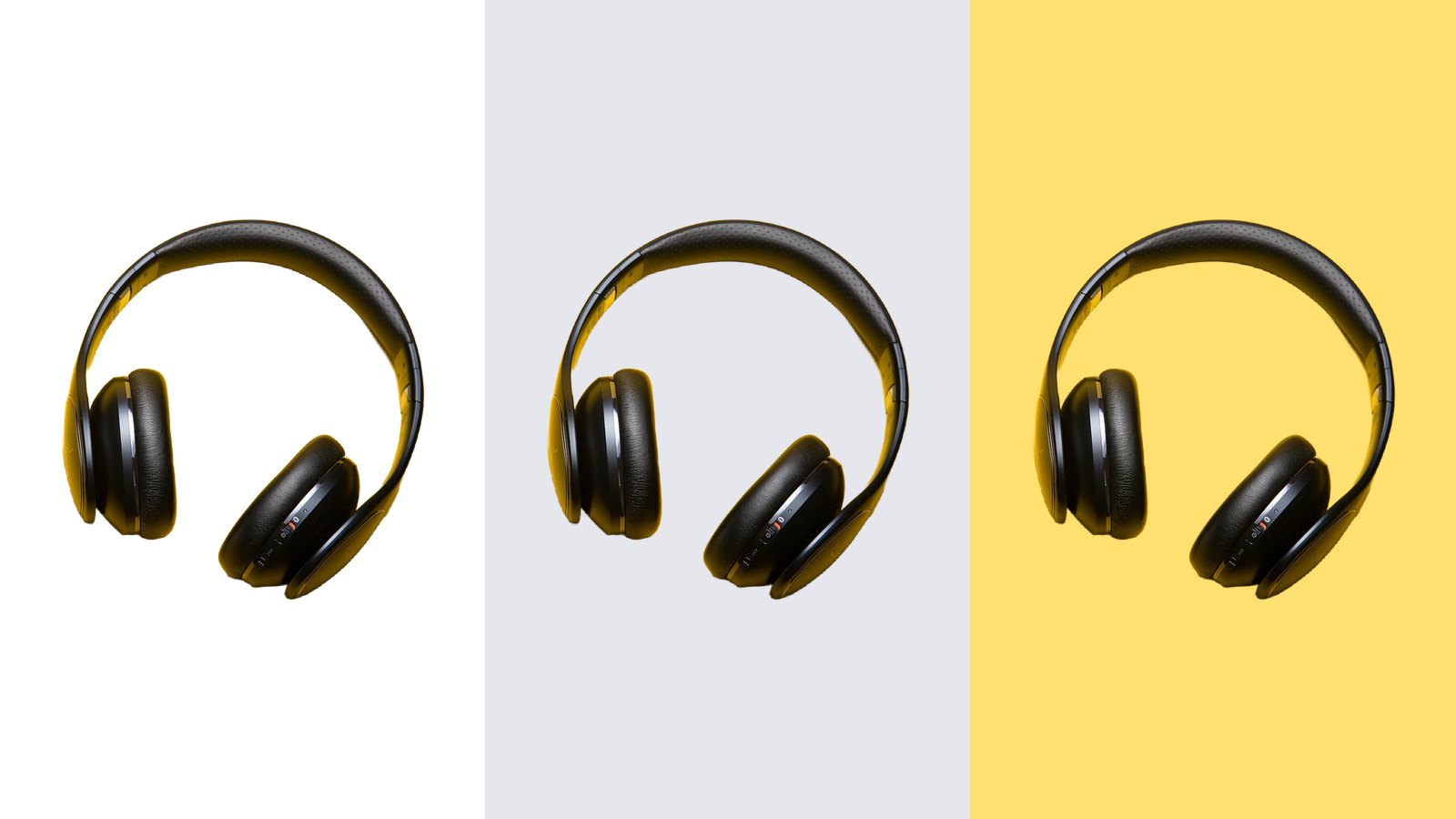
- Clean up busy photos first. The background remover helps a face stand out.
Where GIFs work, and where they don't
GIFs play by themselves in WhatsApp, iMessage, Telegram, Discord, email and most websites. Instagram and TikTok are the exception: they do not take GIF files as posts or stories. For those, Pro saves the same scene as a short MP4 video that plays the same way.
Your photos are used only to make your GIF. They are not shared or shown to anyone else.