What a background colour changer does
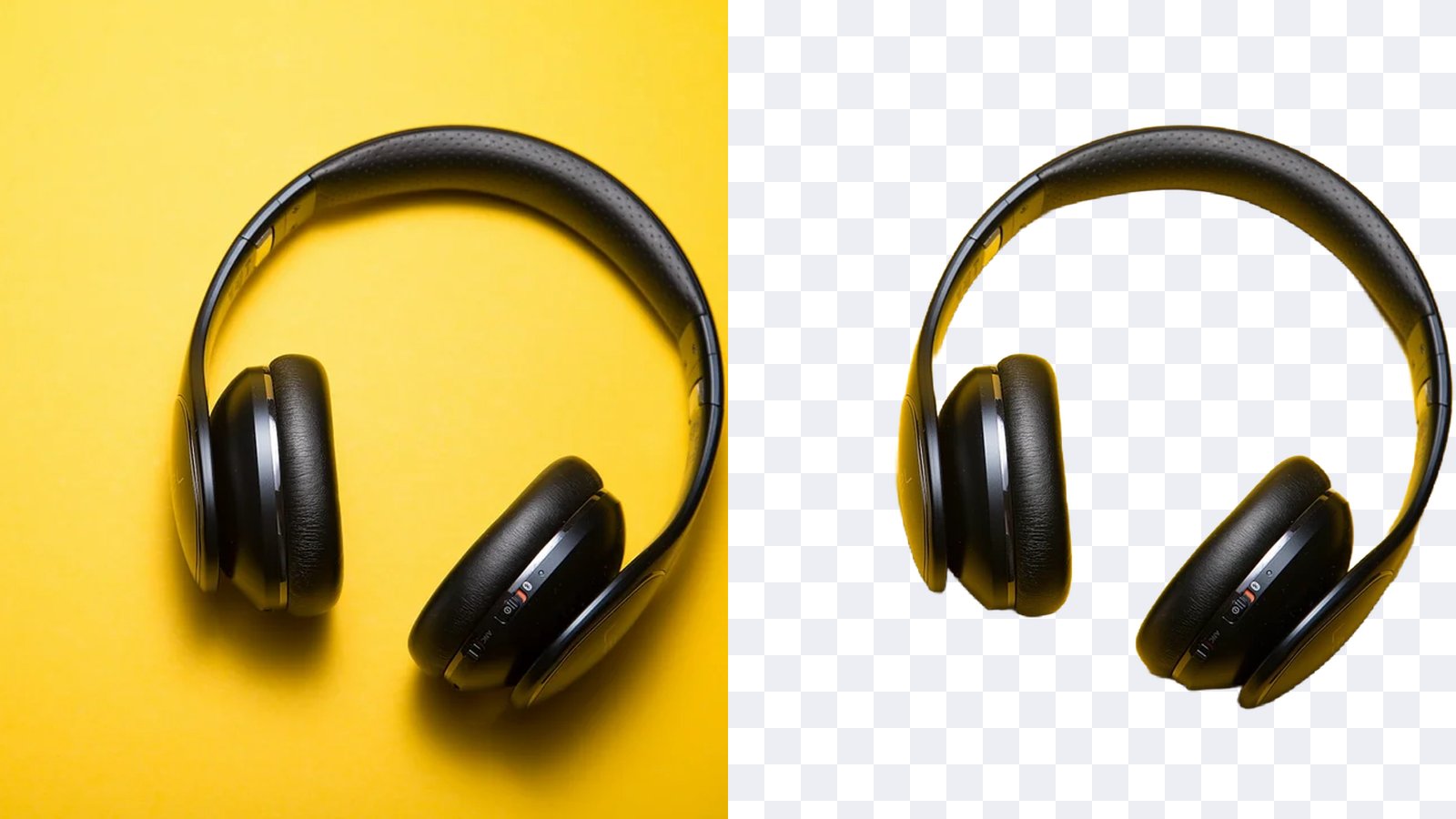
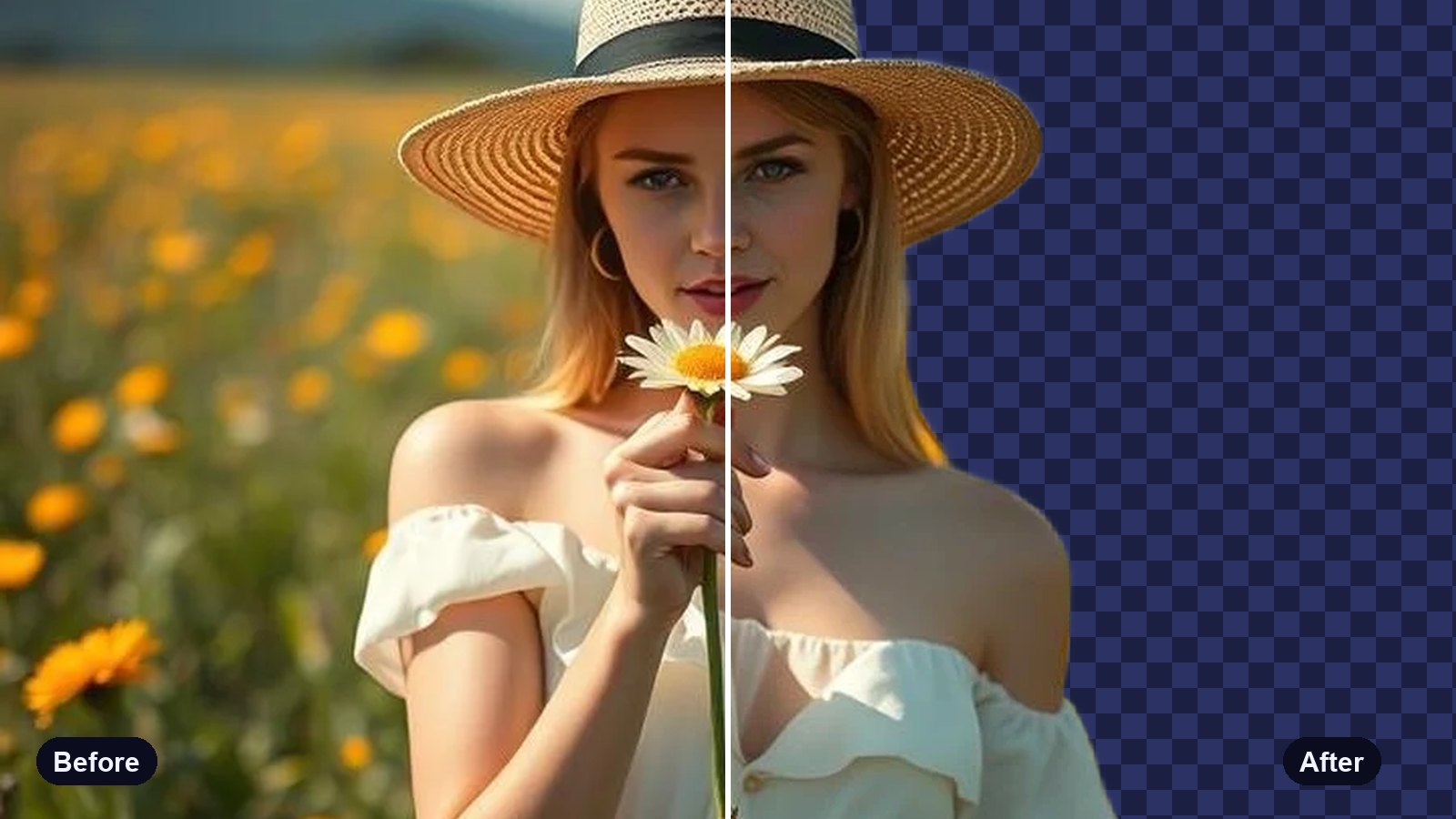
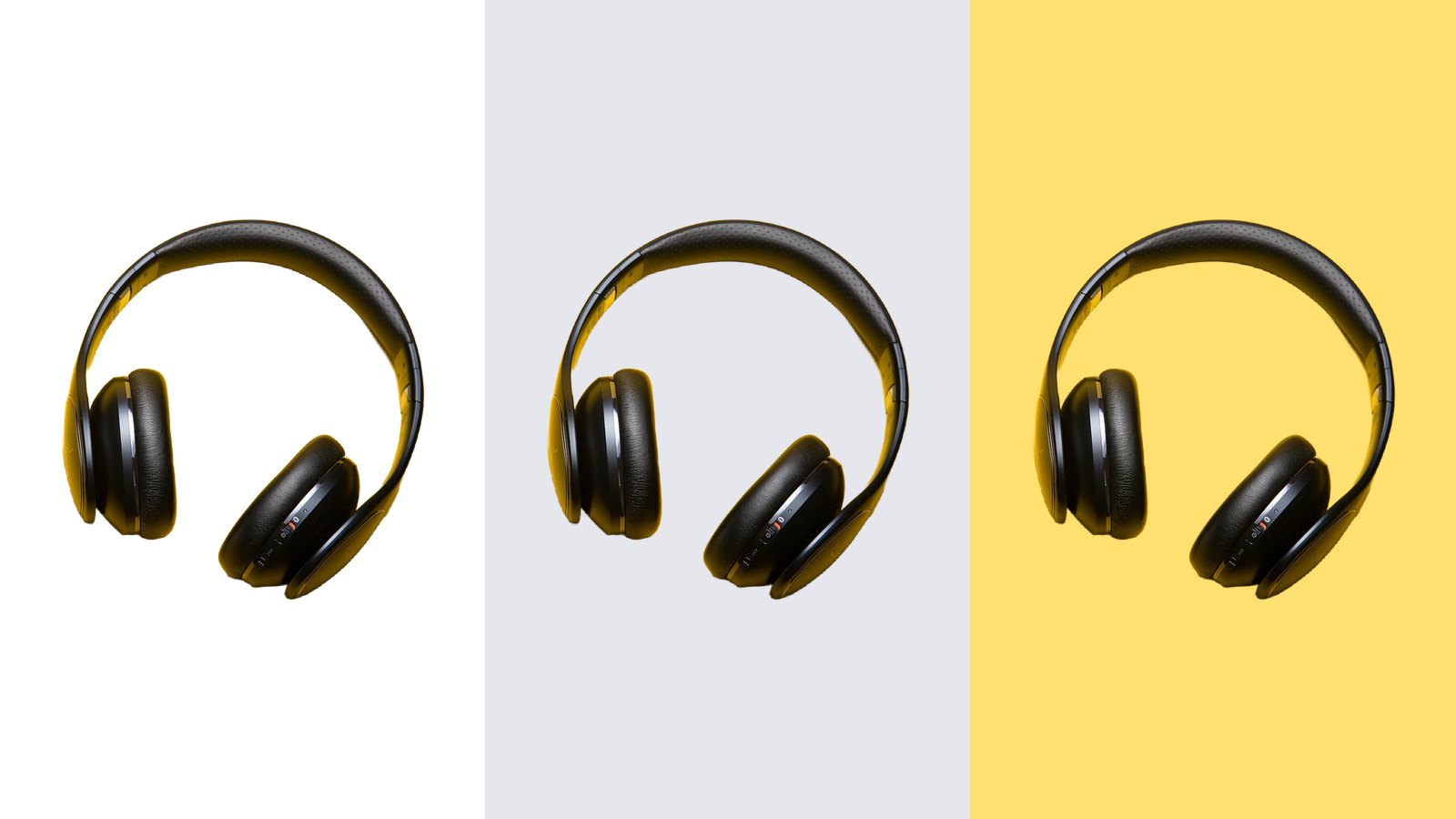
It swaps whatever is behind your subject for one solid colour. First the background is cut away, then the colour you pick goes in its place. The result looks as if the product, or the person, was shot against that colour from the start.
It is the quickest way to make a set of photos match without reshooting them. Ten products shot on ten different tables end up on the same clean background.

How to change a background colour
- Open the colour changer. The background colour changer is free, with no account.
- Add your photo. It is sent to our server and the background is removed in a few seconds.
- Try colours. Tap a swatch to see it behind your subject, or pick any colour with the rainbow swatch.
- Download. The free download is up to 800 px with no watermark. Pro saves it at full resolution.
Which colour for which job
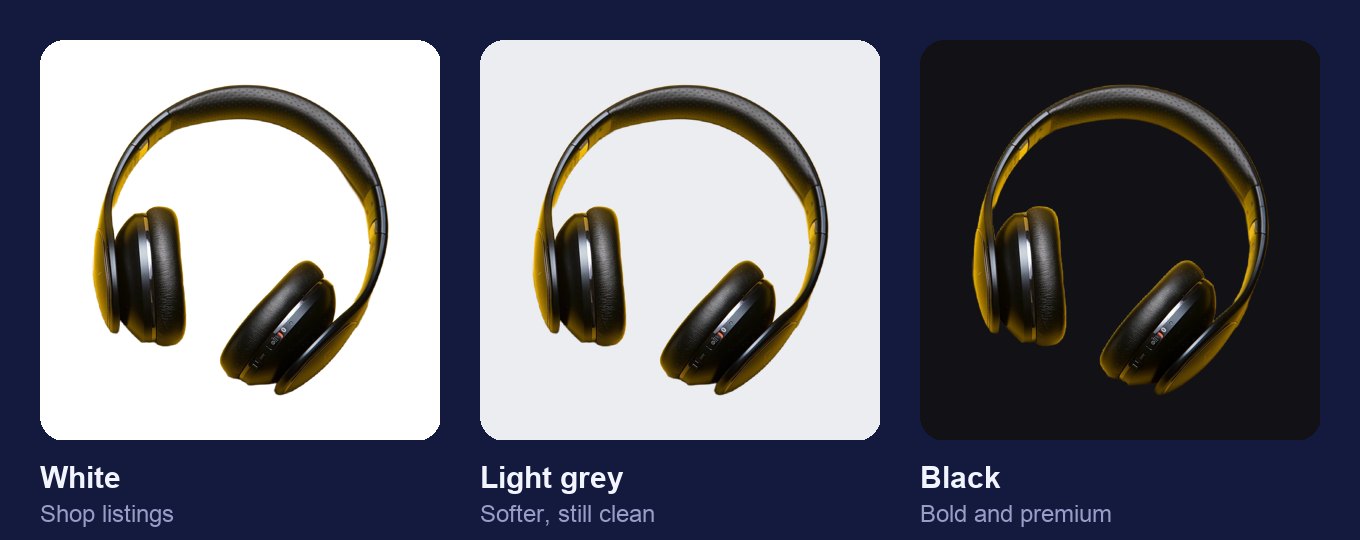
- White for shop listings. Most marketplaces ask for it, and it never clashes with the product.
- Light grey for white products. A white mug vanishes on white. Pale grey keeps the clean look and shows the edges.
- Your brand colour for social posts. Using the same colour on every post makes a feed look planned.
- Black for premium items. Jewellery, watches and electronics look sharp against it.
- Contrast first. A red product on a red background is hard to see. Pick a colour the product stands out from.
- Check on a phone. Most shoppers will see it on a small screen. Colours look different there.
Tips for better product photos
Shoot in soft light. Window light on a cloudy day gives even shadows and clean edges, which makes for a cleaner cut-out.
Fill the frame. The product should take up most of the photo. Small products in big empty photos look lost on a solid colour.
Keep one see-through copy. Save a PNG with no colour too, so you can change the background again later without starting over.
Match the size as well. Once every photo has the same background, give them the same shape with the image cropper, so a grid of products lines up.
Why the same background sells better
Shoppers compare products side by side. When every photo has a different room behind it, the eye jumps around. When they all share one colour, the products are the only thing that changes, and that is what people are there to look at.
Your photo is used only to make your result. It is not shared or shown to anyone else.