Three formats, three jobs
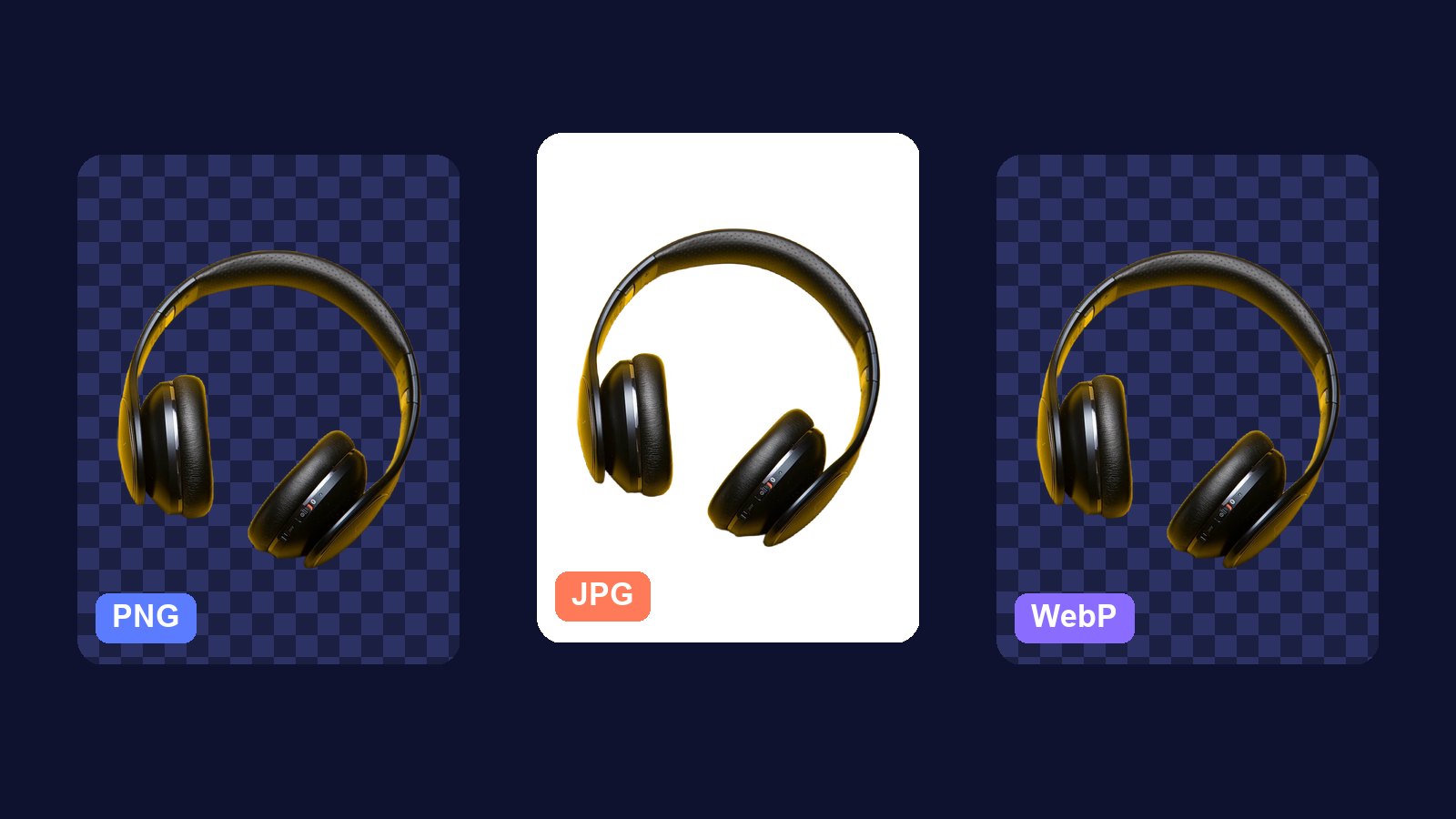
PNG, JPG and WebP are the image formats you meet most. They store the same picture in different ways, which changes three things: how big the file is, how it looks, and whether it can have a see-through background.
- JPG. Small files for photos. No see-through background. Opens everywhere.
- PNG. Exact pixels, sharp text and edges, keeps see-through areas. Larger files.
- WebP. Small like JPG, and can keep see-through areas like PNG. Works in every current browser, but some older apps and editors cannot open it.
How JPG gets so small
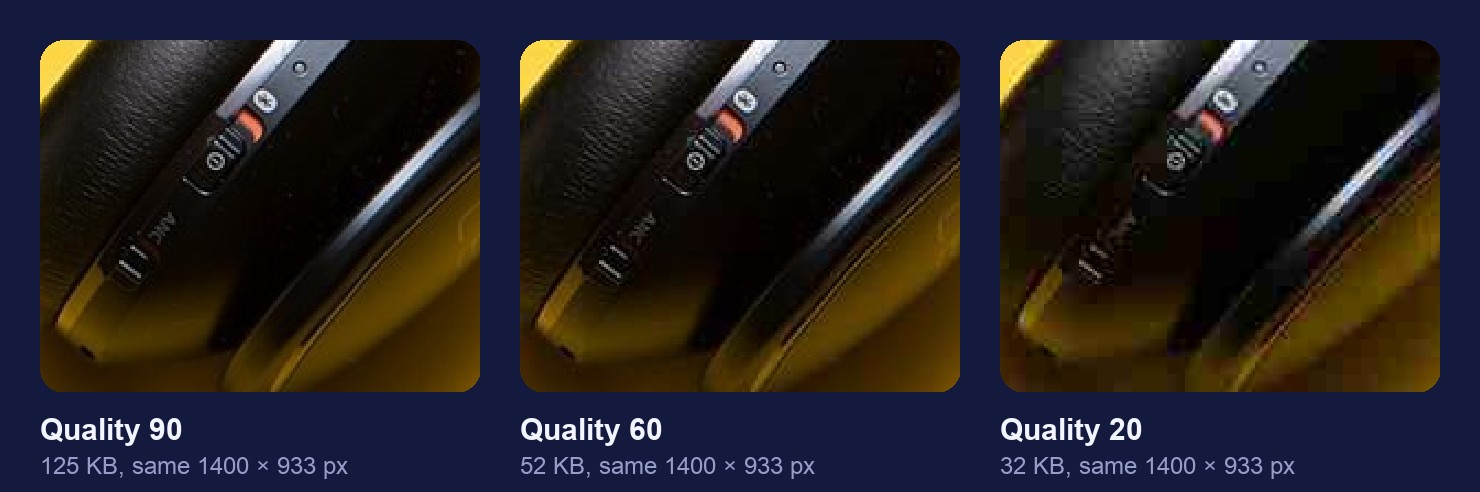
JPG throws away detail your eye is unlikely to miss. The quality setting decides how much. At high quality the loss is invisible. Turn it right down and you start to see blocks and smears around edges.
How to convert an image
- Open the converter. The format converter runs in your browser. The file never leaves your device.
- Add your image. It shows the current format and size.
- Pick PNG, JPG or WebP. For JPG and WebP, set the quality.
- Compare and download. You see the old and new file size before you save.
Which one should I pick?
A photo for a website or a message. JPG at around quality 80, or WebP if the site supports it.
A logo, a screenshot or a cut-out. PNG. It keeps text crisp and keeps the see-through background a cut-out needs.
A cut-out for a fast website. WebP keeps the see-through background at a fraction of the PNG size.
Something to edit later. PNG, so each save does not lose a little more detail.
Mistakes to avoid
- Converting JPG to PNG for quality. The detail JPG threw away is gone. PNG just stores the damage in a bigger file.
- Saving a cut-out as JPG. JPG cannot store see-through pixels, so the background turns white.
- Saving a JPG again and again. Each save loses a little more. Edit a PNG and export a JPG once at the end.
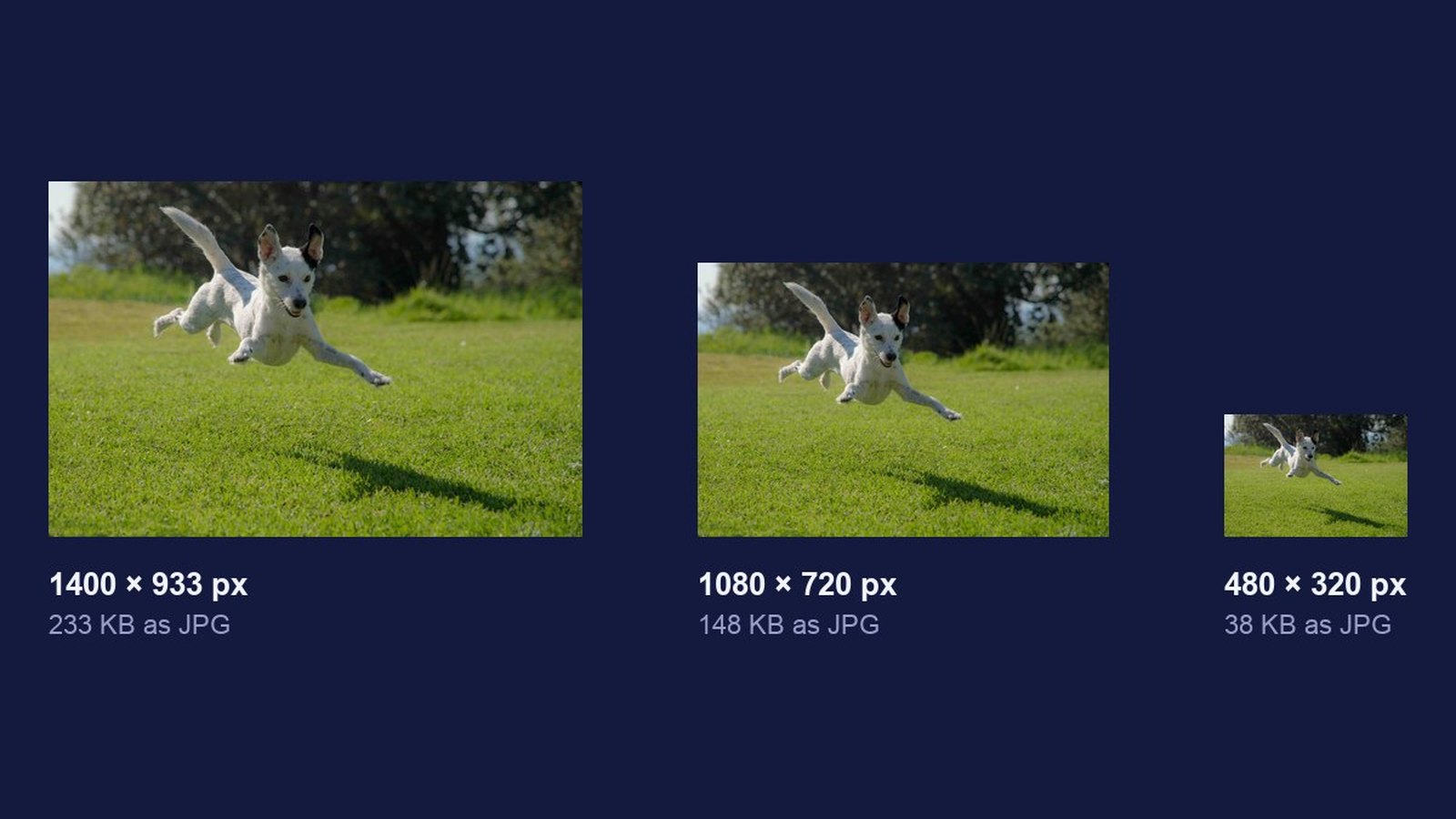
- Forgetting the size. Format alone does not make a 4000 px photo small. Resize it too with the image resizer.