What photo restoration means
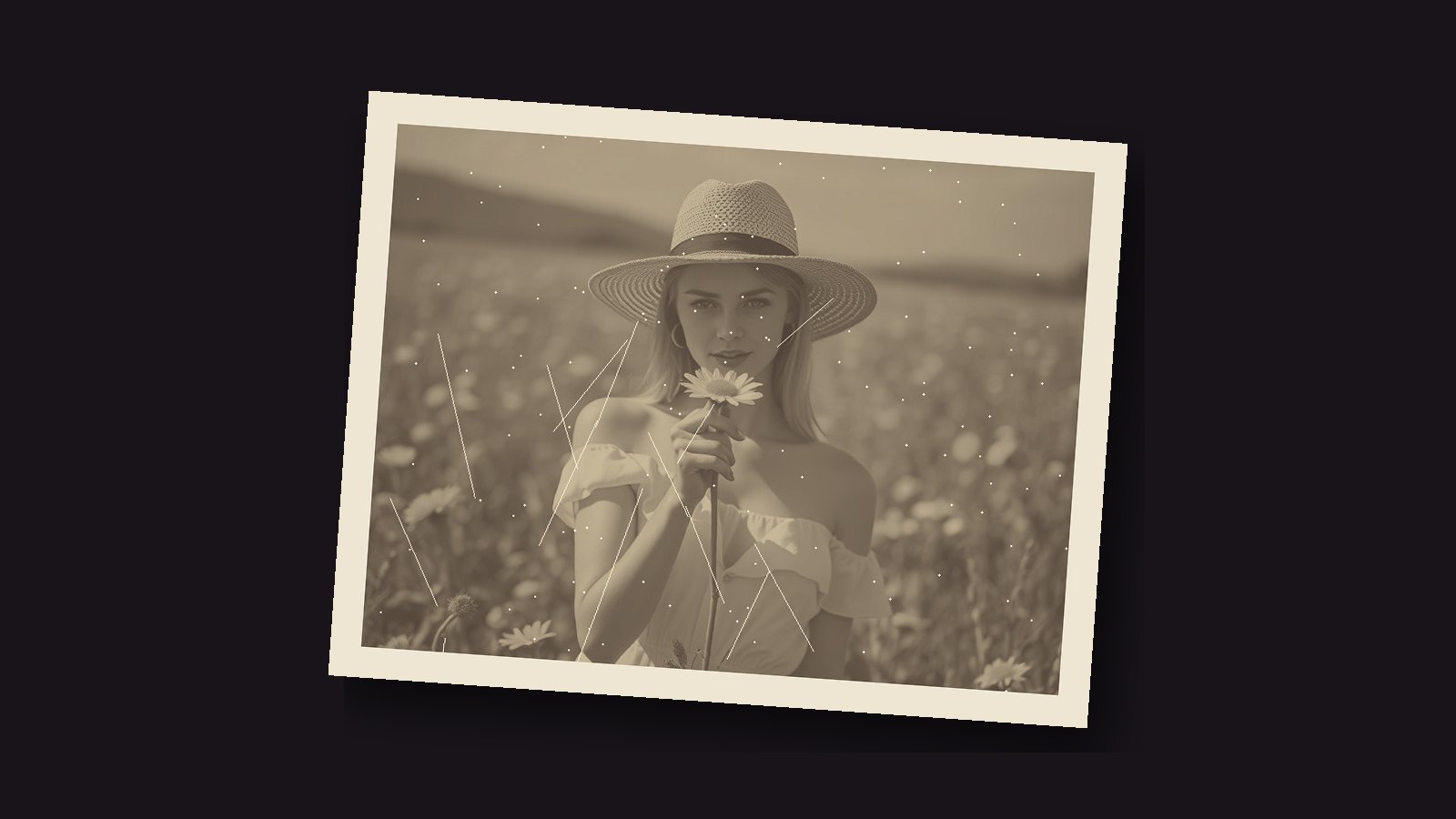
Restoring a photo means making a digital copy of an old print and fixing what time did to it: faded contrast, a yellow or brown tint, torn corners, scratches and dust. The print itself is never touched, so nothing can go wrong with the original.
Some damage cannot be undone. A face that has faded to nothing will not come back. But most old photos get much better with a few simple fixes, and even a modest improvement makes a photo worth sharing again.

How to restore a photo step by step
- Scan it well. Use a flatbed scanner at 600 DPI if you can, 300 DPI at the least. A phone scanning app in good daylight is the next best thing.
- Keep the scan untouched. Work on a copy, so you can always start again.
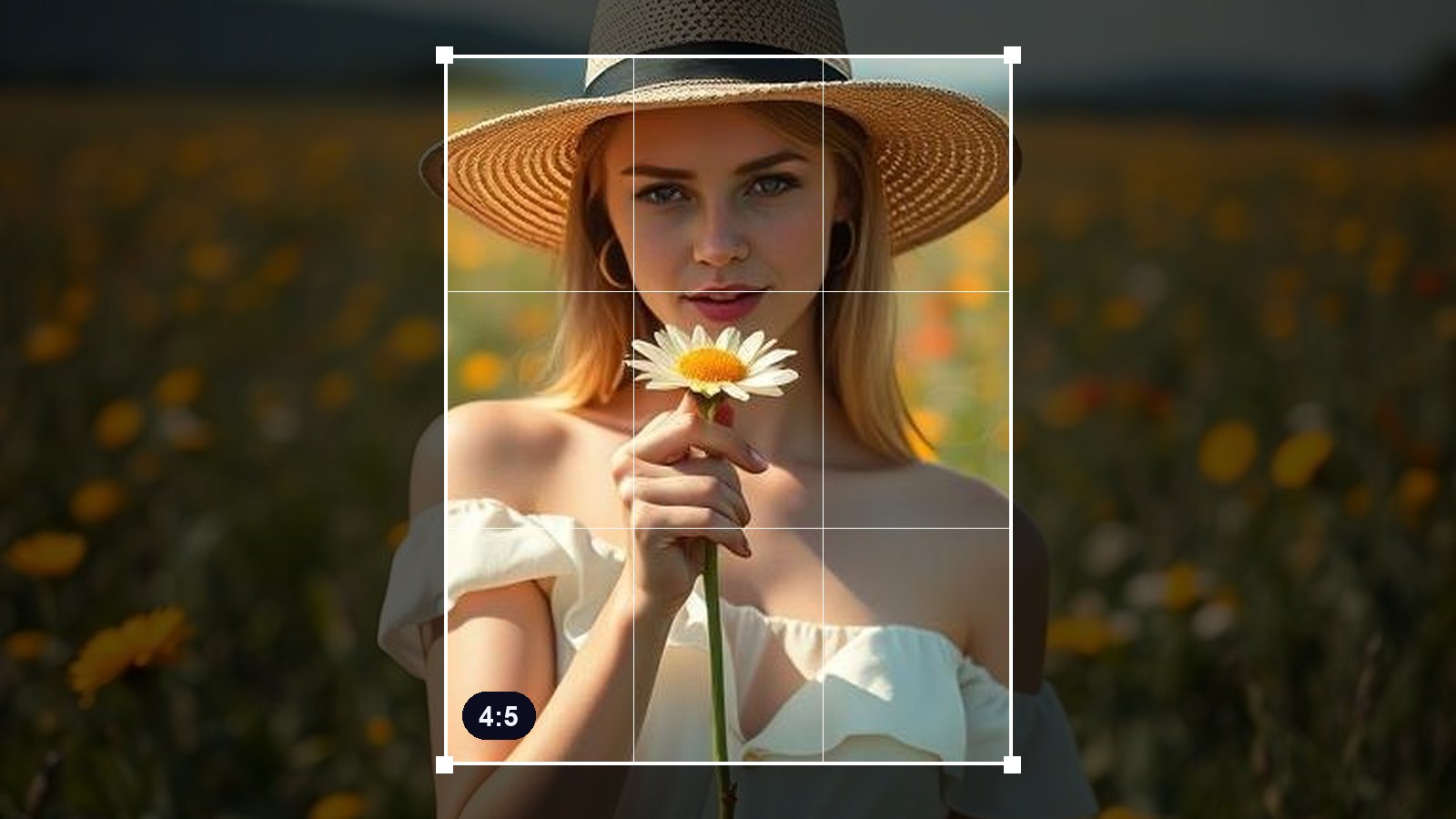
- Trim the damaged edges. Curled, torn or stained borders can often just go. The image cropper does this in your browser.
- Fix contrast and brightness. Faded prints look flat and milky. Stretching the levels brings back the darks and the lights.
- Remove the tint.Old colour prints drift yellow, red or magenta. Use your photo editor's white balance or colour tools until skin and whites look natural.
- Clean up spots and scratches. A healing or clone brush in a photo editor handles these. Start with the biggest ones.
Tips for better results
- Clean the glass and the print. A soft brush removes dust that would otherwise need fixing later.
- Zoom in while you work. Small scratches only show at full size.
- Fix the big things first. Contrast and tint change the whole picture. Dust spots come last.
- Know when to stop. The goal is a better old photo, not a new one. Too much smoothing makes faces look waxy.
- Save a master as PNG. It keeps every detail. Make JPG copies from it to share.
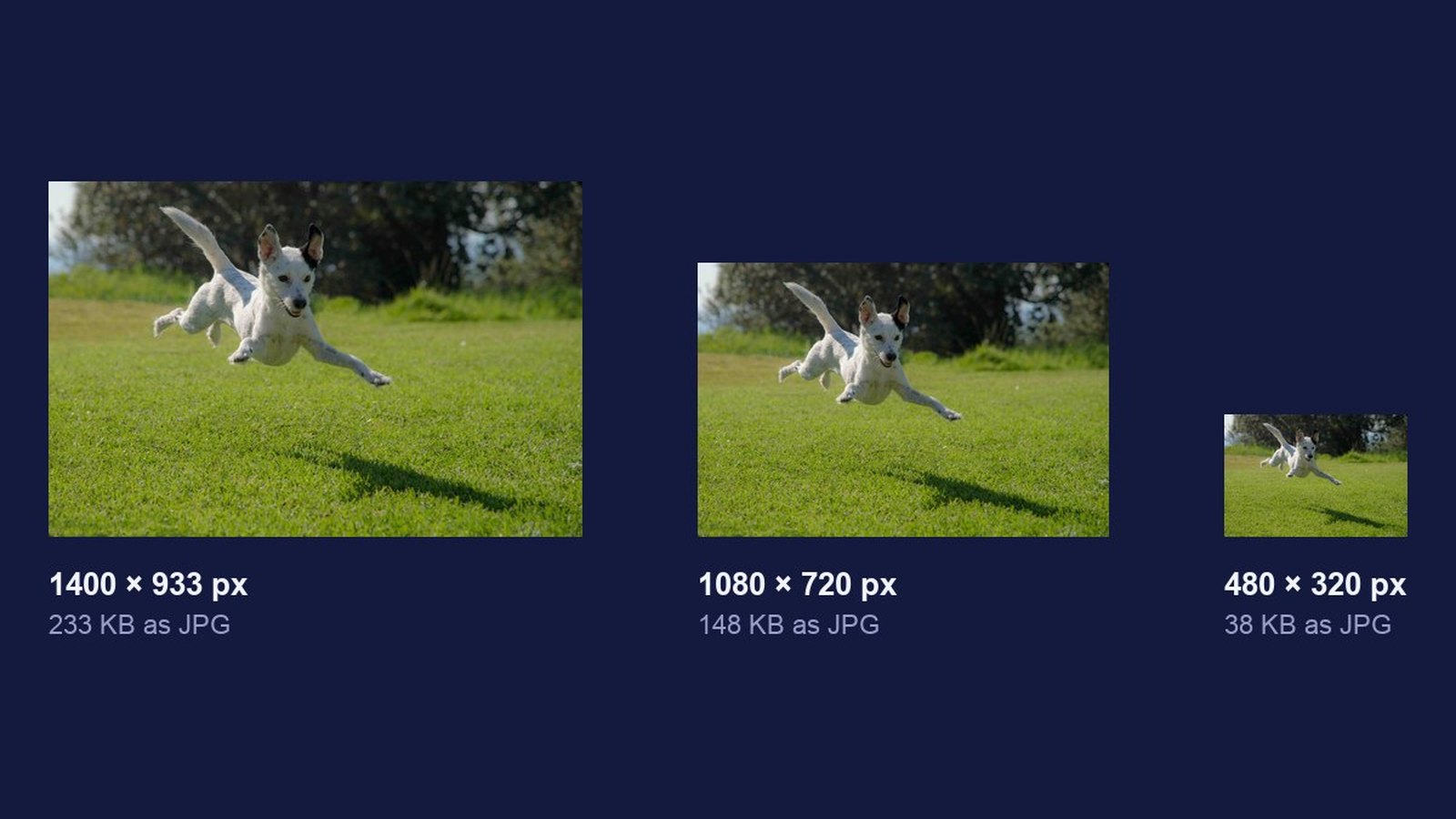
- Resize the copies you share. A 600 DPI scan is huge. The image resizer makes a small copy for messages.
Ideas once it is restored
Share it with family. A clean copy is easier to recognise and enjoy on a phone screen.
Print and frame it. Print the full-size master, not a shared copy.
Make a keepsake. Put two restored portraits in a gold heart locket GIF, a gentle way to remember someone on a special date.
Why digital restoration is safer
Physical restoration works on the print itself, and a mistake can be permanent. Digital restoration only ever changes a copy. You can try something, undo it, and try again, while the original stays safe in its album.